

.jpg)
1. Introduction
In 2025, the demand for smart AI assistants has reached new heights. From task management to creative writing and business automation, the smartest AI tools are now integral to how professionals and creators work every day. These assistants don’t just follow commands — they understand context, suggest improvements, and help streamline complex workflows.
At Toolactive, we rigorously test and review the latest smart AI tools to help users make confident decisions. In this detailed guide, Jason Miller, with over 12 years of experience in marketing and automation systems, reviews and compares the 10 smartest AI assistants in 2025. Each tool has been tested for usability, accuracy, and real-world performance — ensuring you get insights that truly matter.
Before going deeper into the next section, you can refer to ai assistants list to support your work.
2. What Are Smart AI Assistants?
Smart AI assistants are intelligent platforms designed to understand natural language, execute tasks, and make informed recommendations. Built on NLP (Natural Language Processing) and machine learning, these tools interpret user intent, automate repetitive work, and even learn your preferences over time.
In 2025, the importance of smart AI lies in its adaptability — whether summarizing reports, generating content, managing projects, or offering emotional support. The smartest AI assistants help users focus on creativity and strategy while automating the rest.

3. How We Tested the Tools
Every AI assistant in this review was tested hands-on across real-world use cases by the Toolactive review team. Our criteria included:
-
Intelligence & context understanding: how well it interprets commands
-
Versatility: range of tasks it can perform (writing, research, organization, chat)
-
Ease of use: interface, accessibility, and learning curve
-
Integration: compatibility with platforms like Slack, Notion, and Google Workspace
-
Pricing: balance of free and premium plans
Each tool was tested for response time, accuracy, tone, and overall productivity improvement in day-to-day workflows.
4. Comparison Table: Top 10 Smartest AI Assistants (2025)

5. In-Depth Tool Reviews (Tested & Reviewed by Jason Miller)
1. ChatGPT (OpenAI) – Best Overall Smart AI Assistant
In our tests, ChatGPT remains the most powerful and versatile smart AI assistant of 2025. It handles complex writing, brainstorming, coding, and conversational reasoning effortlessly.
Pros: Excellent context retention, creative flexibility, robust GPT-4 model.
Cons: Limited real-time data access in the free plan.
Best for: Writers, marketers, educators, and developers.
How to use: Ask specific prompts or chain questions for continuous context.

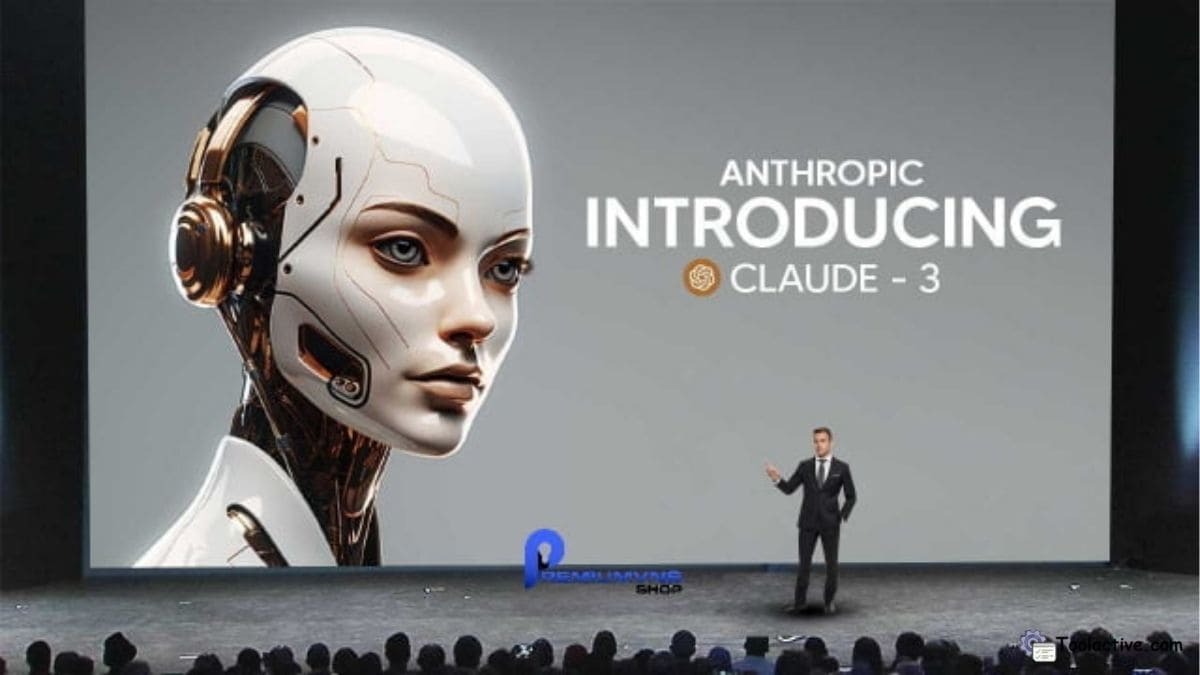
2. Claude 3 (Anthropic) – Best for Deep Context Understanding
Claude 3 impressed us with its superior ability to interpret long documents and nuanced text. It’s ideal for legal, academic, and strategic tasks that require contextual precision.
Pros: Deep comprehension, safety-focused design, and long memory span.
Cons: Slightly slower in generating creative text.
Best for: Researchers, analysts, and professionals managing detailed content.
How to use: Upload documents or paste long text for detailed summaries and answers.
3. Perplexity AI – Best for Research & Real-Time Knowledge
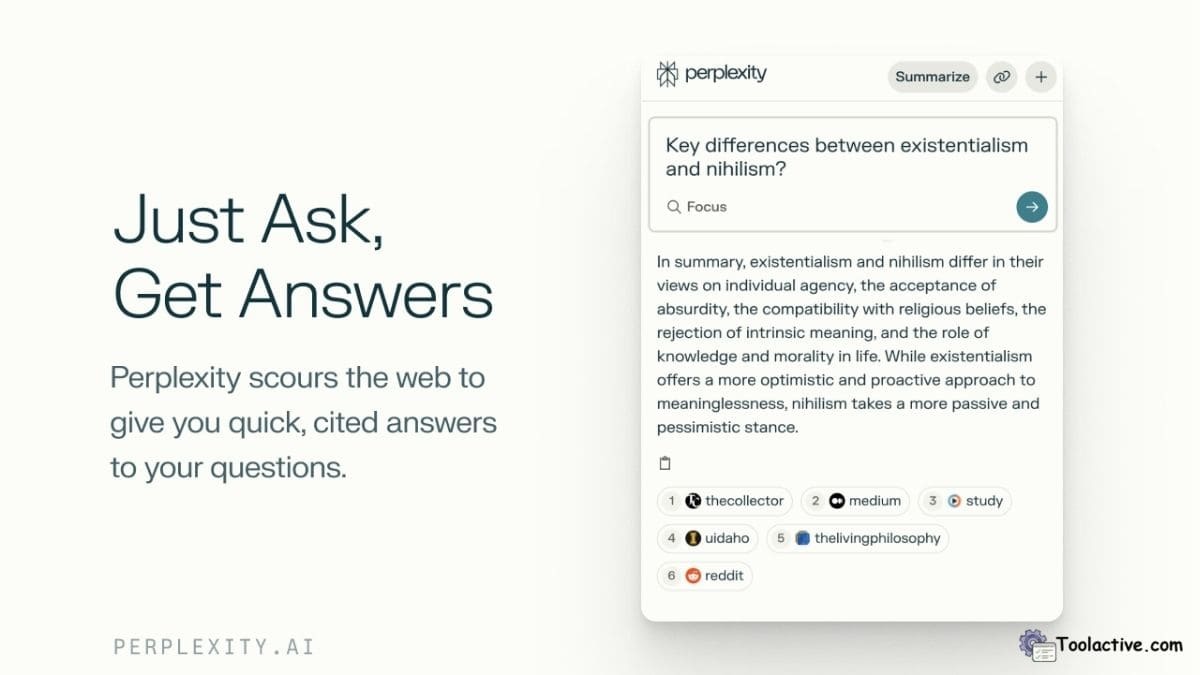
Perplexity AI combines generative text capabilities with live web results. It’s one of the smartest AI tools for research and citation-based content.
Pros: Access to current information, fact-checking accuracy.
Cons: Occasional repetition in long-form text.
Best for: Journalists, researchers, and students.
How to use: Type a question to receive summarized web-based insights and references.
4. Gemini (Google AI) – Best Multimodal AI Assistant
Gemini integrates text, images, and voice into a seamless workflow. It’s great for multitaskers who combine writing, data analysis, and creative projects.
Pros: Multimodal capabilities, integrates with Google ecosystem.
Cons: Some advanced features locked behind enterprise access.
Best for: Teams using Google Workspace or creative professionals.
How to use: Use text or image input to generate hybrid responses and insights.
5. Microsoft Copilot – Best for Workplace Productivity
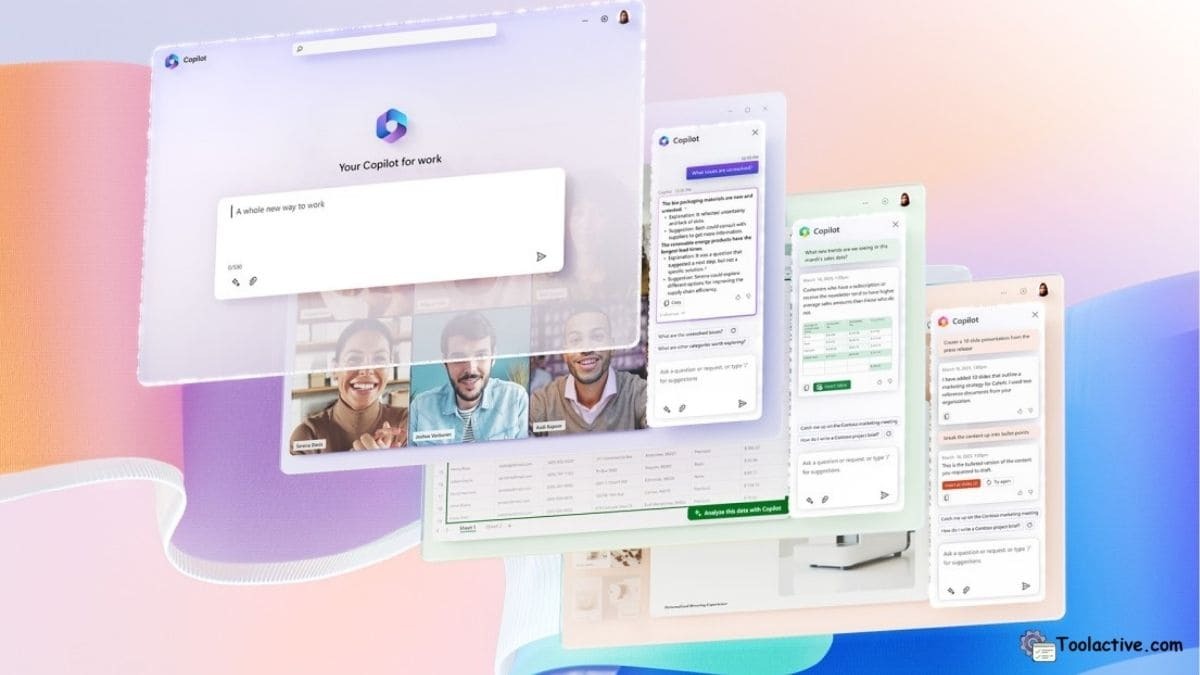
Microsoft Copilot transforms your Office experience by embedding AI directly into Word, Excel, and Teams.
Pros: Perfect for productivity, automation inside Microsoft tools.
Cons: Pricey for casual users.
Best for: Corporate users and business teams.
How to use: Activate Copilot inside Office apps to summarize emails or draft reports.
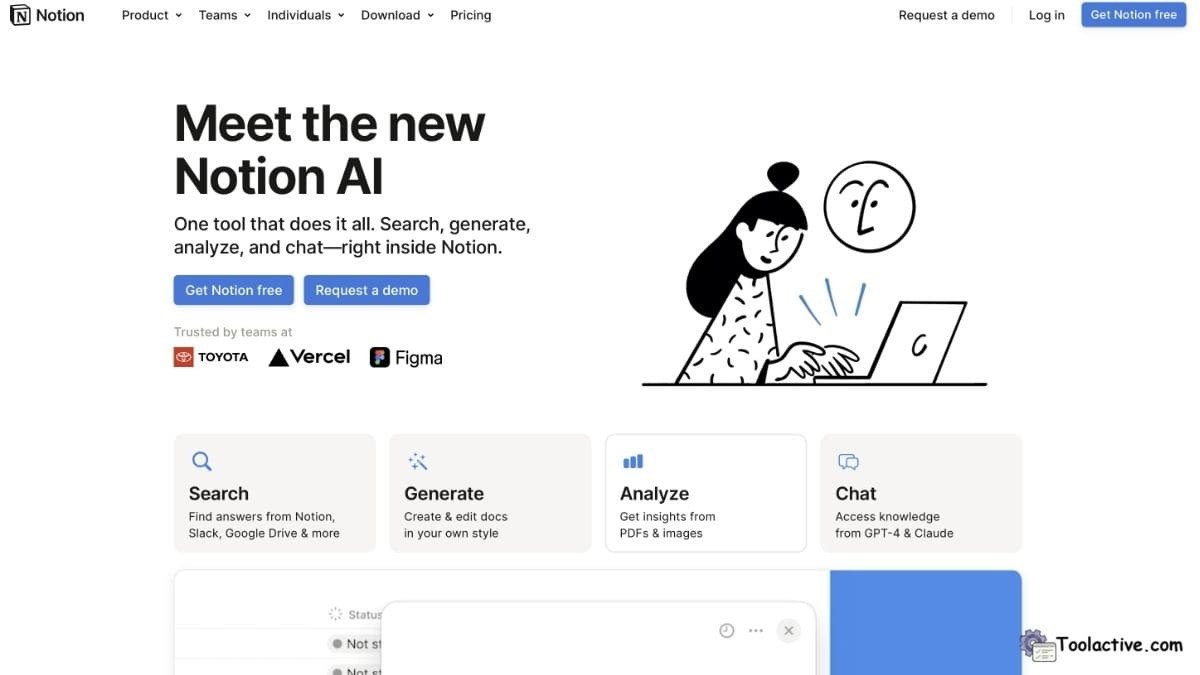
6. Notion AI – Best for Organization and Writing
Notion AI extends Notion’s workspace with built-in automation for writing, summarizing, and planning.
Pros: Seamless integration with Notion, improves workflow efficiency.
Cons: Limited free usage.
Best for: Writers, teams, and project managers.
How to use: Use “/AI” commands to generate text or summarize pages instantly.
7. Pi AI – Best for Personal Conversations
Pi AI is an empathetic assistant built for thoughtful, human-like conversations. It remembers context and keeps a friendly tone.
Pros: Emotional intelligence, easy to talk to.
Cons: Limited in professional functions.
Best for: Personal support, motivation, or lifestyle guidance.
How to use: Chat naturally for coaching, journaling, or casual advice.
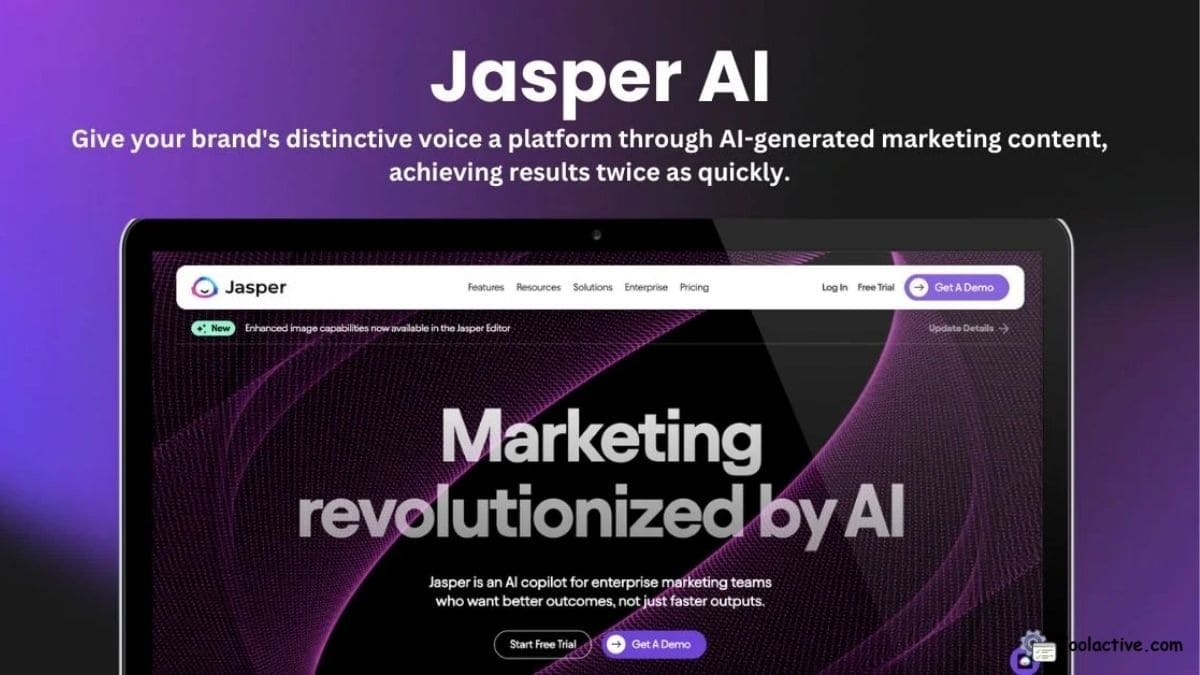
8. Jasper AI – Best for Marketing & Creative Writing
Jasper remains a go-to smart AI for marketers and content creators. Its templates streamline copywriting for ads, blogs, and emails.
Pros: Brand voice consistency, marketing templates.
Cons: Higher cost than general-purpose AIs.
Best for: Marketing teams and content creators.
How to use: Select a template, input key points, and let Jasper craft optimized copy.
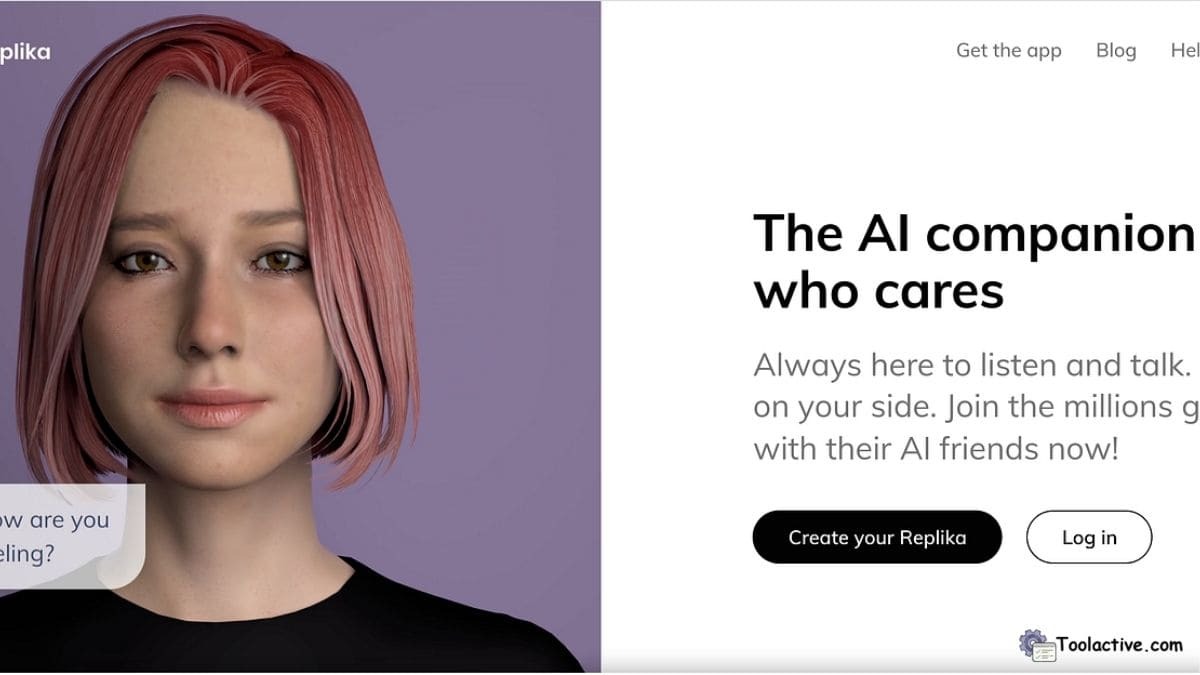
9. Replika AI – Best for Emotional & Personal Support
Replika AI uses deep learning to offer emotional companionship. It’s less about productivity and more about building human-like connection.
Pros: Personalized memory, conversational empathy.
Cons: Not task-focused, limited productivity features.
Best for: Individuals seeking mental and emotional support.
How to use: Chat regularly to build a personal bond and customized responses.
10. Saner AI – Best for Summarization & Research Notes
Saner AI stands out for its summarization quality and topic organization. It’s perfect for students and analysts managing large information volumes.
Pros: Smart note categorization, quick summaries.
Cons: Occasional interface lag.
Best for: Researchers, students, and knowledge workers.
How to use: Upload research files or copy text for instant analysis and notes.

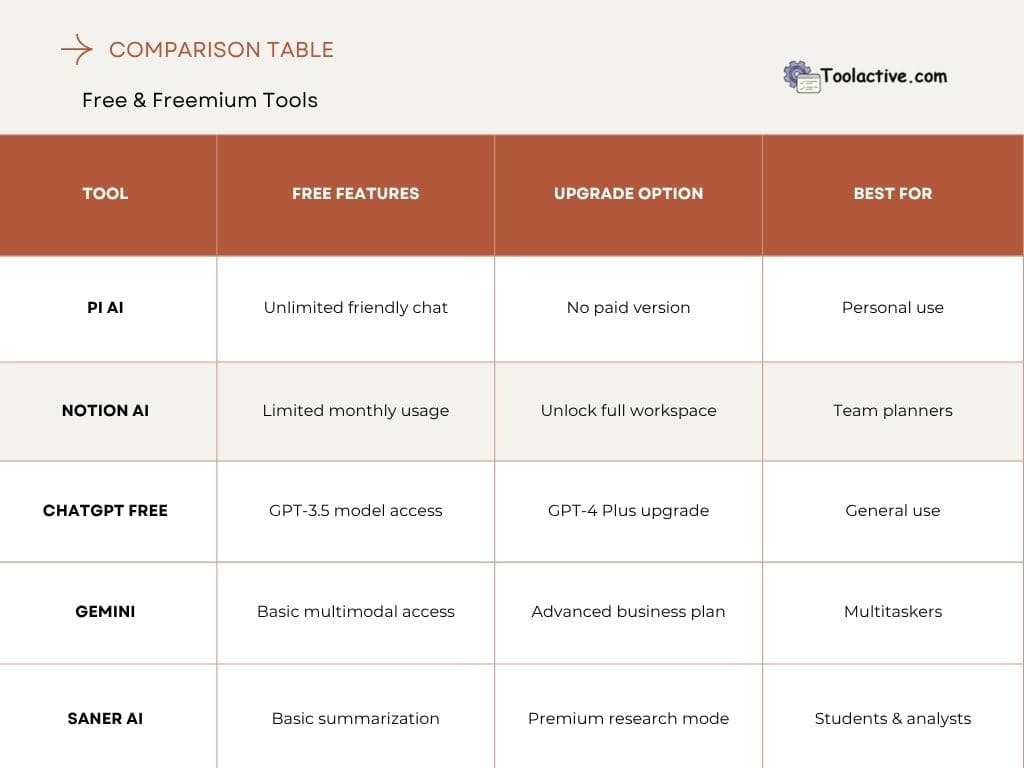
6. Free & Freemium Tools
7. Best AI Tools by Use Case
1. Best for Content Creation: ChatGPT, Jasper AI
2. Best for Research: Perplexity AI, Saner AI
3. Best for Productivity: Microsoft Copilot, Notion AI
4. Best for Personal Use: Pi AI, Replika AI
5. Best for Multimodal Tasks: Gemini, Claude 3
Each of these smart AI assistants performs best in specific areas — from content creation to emotional interaction. Choosing the right one depends on whether you prioritize creativity, organization, or learning.
If you want to explore more automation support tools, you can see the list of ai sales assistant.

8. FAQs
Q1: What is the smartest AI assistant in 2025?
→ ChatGPT (GPT-4) and Claude 3 lead for accuracy and reasoning.
Q2: Are smart AI assistants free?
→ Most offer freemium tiers with optional premium plans.
Q3: Which AI is best for business?
→ Microsoft Copilot and Notion AI are top for productivity.
Q4: Can AI assistants replace humans?
→ No, they enhance productivity but don’t replace human insight.
Q5: What makes an AI assistant “smart”?
→ The ability to learn context, adapt tone, and perform diverse tasks intelligently.
Visit our meeting Gohighlevel store
9. Conclusion
The smartest AI assistants in 2025 are more than chatbots — they’re intelligent companions that boost efficiency, creativity, and focus.
At Toolactive, Jason Miller and our testing team evaluated each smart AI tool to help you choose confidently. Whether you’re a creator, business owner, or student, these tested tools are your best allies for smarter, faster work.




.jpg)