


Imagine a world where your calendar fills itself, your emails reply automatically, and your to-do list updates in real time. Welcome to 2025 - the golden age of AI assistants. These intelligent tools are no longer futuristic luxuries; they’re your digital co-workers. Whether you’re an entrepreneur juggling meetings or a marketer managing campaigns, the right AI assistant can automate 70% of your busywork and amplify your focus where it truly matters: growth, creativity, and strategy.
Before going deeper into the next section, you can refer to ai sales assistant to support your work.
1. Introduction: The Rise of AI Assistants
Artificial Intelligence is no longer confined to research labs or tech giants. It’s in your inbox, your calendar, your Slack workspace - quietly transforming how you work.
AI assistant tools are now integral to modern productivity. From scheduling meetings and managing emails to generating reports, they help professionals reclaim their most valuable resource: time.
In 2025, the best AI assistants are not just reactive - they’re predictive, learning from your habits to anticipate what you’ll need next.
2. What Are AI Assistant Tools?
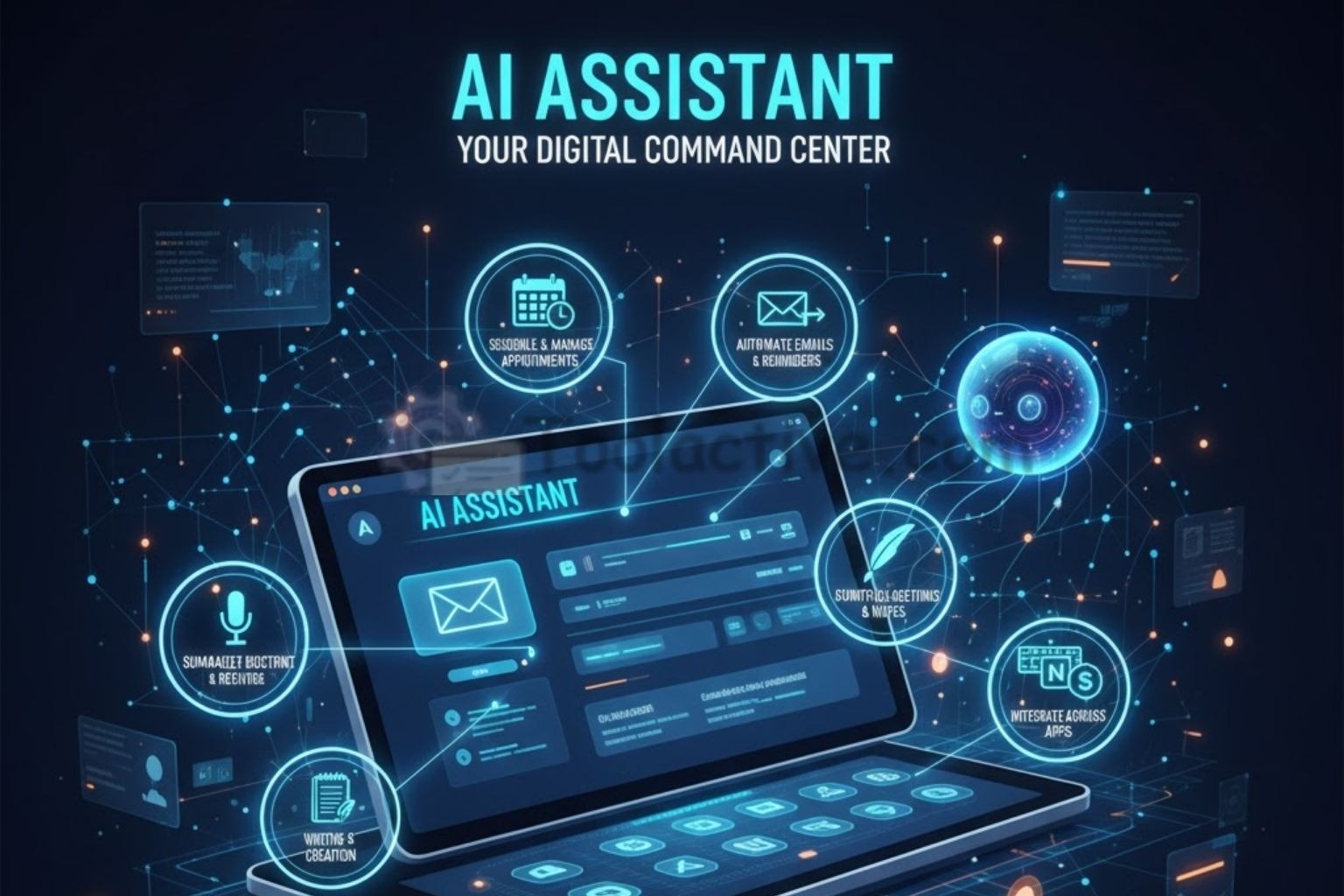
AI assistant tools are software solutions designed to perform repetitive or administrative tasks automatically. Unlike traditional automation systems, these assistants “understand” natural language, adapt to context, and even make recommendations.
They can:
-
Schedule and manage appointments
-
Automate emails and reminders
-
Summarize meetings and notes
-
Assist in writing, content creation, or data entry
-
Integrate across apps like Google Workspace, Notion, or Slack
In short, an AI assistant website is your command center - where all your digital tasks meet smart automation.
3. Benefits of Using AI Assistant Tools
The advantages extend far beyond time savings:
3.1 Boost Productivity
AI assistants optimize daily workflows, removing the friction of manual organization.
3.2 Smarter Decision-Making
They analyze behavior and suggest better time or project management strategies.
3.3 Work-Life Balance
Delegating routine work means more energy for creative and strategic pursuits.
3.4 Seamless Integration
Most AI assistant websites now sync across platforms - from CRM tools to content calendars - offering an uninterrupted flow of productivity.
4. Top AI Assistant Tools & Websites in 2025
The AI assistant landscape in 2025 is booming - from scheduling and writing help to full-scale business automation. Whether you’re a solo entrepreneur, executive, or marketing professional, these are the top AI assistant tools and websites that stand out for reliability, intelligence, and impact.
4.1 Motion - The Smartest AI Scheduling Assistant
Best for: Calendar automation, task management, and productivity optimization.
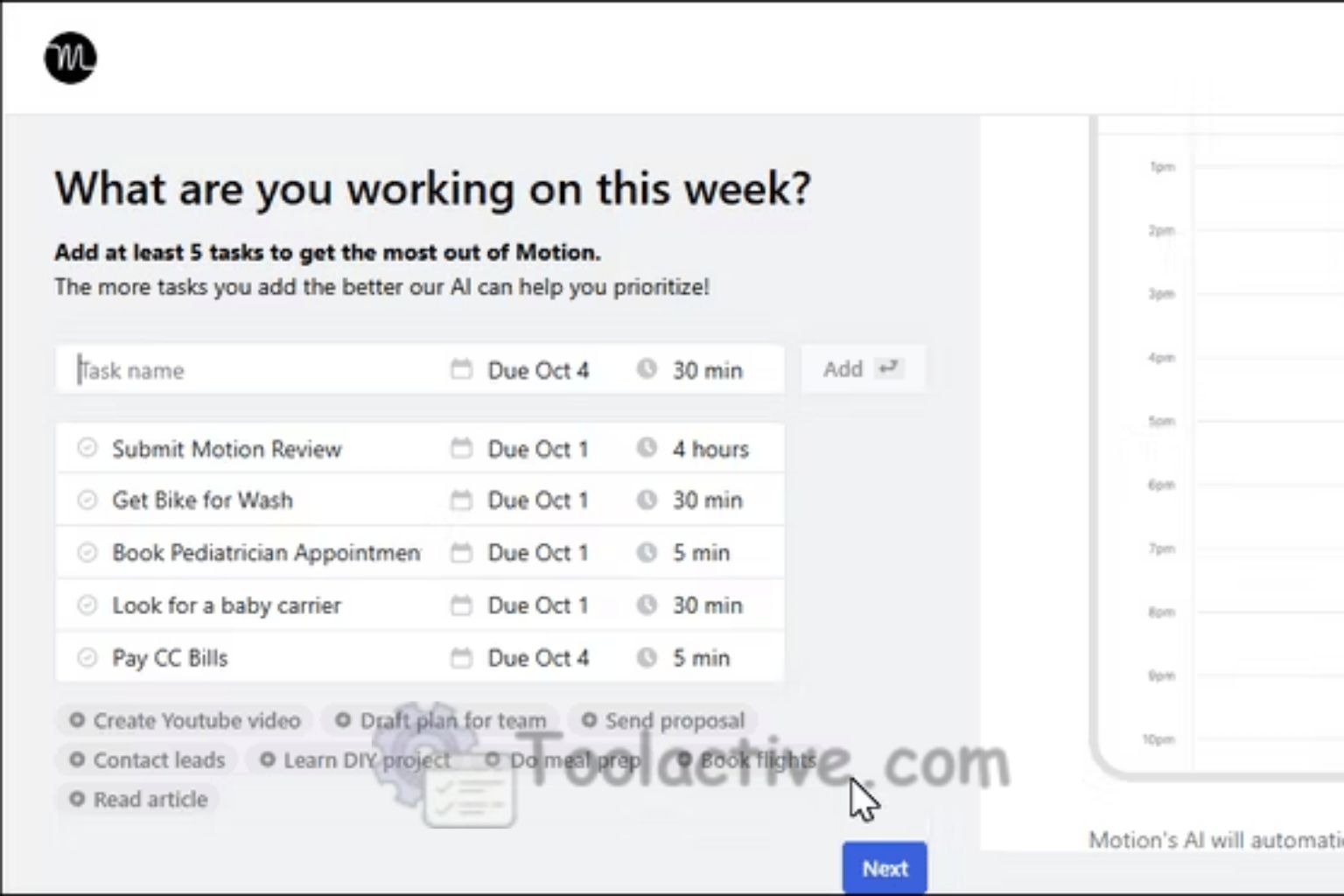
Motion is often called the “AI time architect” - and for good reason. It analyzes your entire schedule, understands deadlines, and automatically rearranges tasks when priorities shift. You no longer need to plan your day - Motion does it for you.
Key Features:
-
AI-driven scheduling that automatically adjusts when meetings change.
-
Task prioritization based on urgency and deadlines.
-
Integration with Google Calendar, Outlook, and Notion.
-
Team features for managing collective projects.
Pros: Incredibly accurate and adaptive scheduling; reduces decision fatigue.
Cons: Requires time to learn optimal setup.
Pricing: Starts at $19/month (Free trial available).
Best For: Busy professionals, agency owners, and executives managing complex schedules.
4.2 Notion AI - The Creative & Organizational Powerhouse
Best for: Writers, strategists, and content creators who need AI-powered note-taking and ideation.
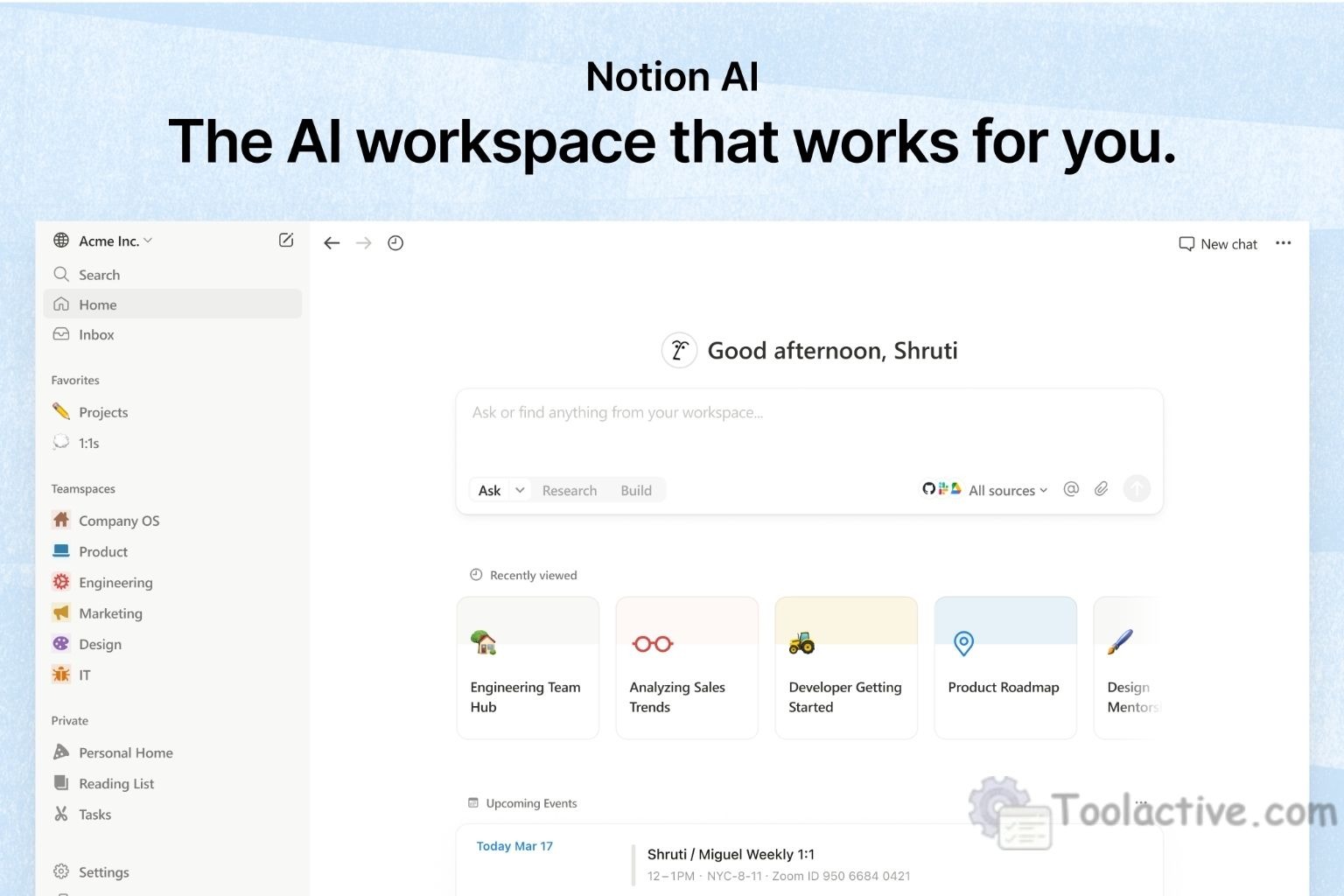
Notion AI turns the already beloved Notion workspace into an intelligent co-creator. Whether you’re drafting blog posts, brainstorming campaigns, or organizing company knowledge, it helps you think faster and write smarter.
Key Features:
-
Generate outlines, summaries, and content ideas in seconds.
-
Automate meeting notes, reports, and task updates.
-
Seamlessly integrates with Notion’s existing databases and templates.
Pros: Combines organization with creativity; minimal interface.
Cons: Some AI capabilities limited in free tier.
Pricing: Notion Plus + AI add-on starts at $10/month.
Best For: Marketers, freelancers, and content teams.
4.3 ClickUp AI - Your All-in-One Productivity Assistant

Best for: Team collaboration and workflow automation.
ClickUp AI takes project management to another level. It automatically writes summaries, generates reports, and suggests productivity improvements. For large teams or agencies, this is one of the most powerful AI work hubs available.
Key Features:
-
AI summaries for long threads or project discussions.
-
Task automation with smart suggestions.
-
Cross-department communication features.
-
Integration with Google Drive, Slack, and Zapier.
Pros: Centralized control for all projects; customizable dashboards.
Cons: Slightly complex UI for new users.
Pricing: From $7/member/month.
Best For: Startups, agencies, and cross-functional teams.
4.4 Otter.ai - The Meeting Memory You Always Wanted
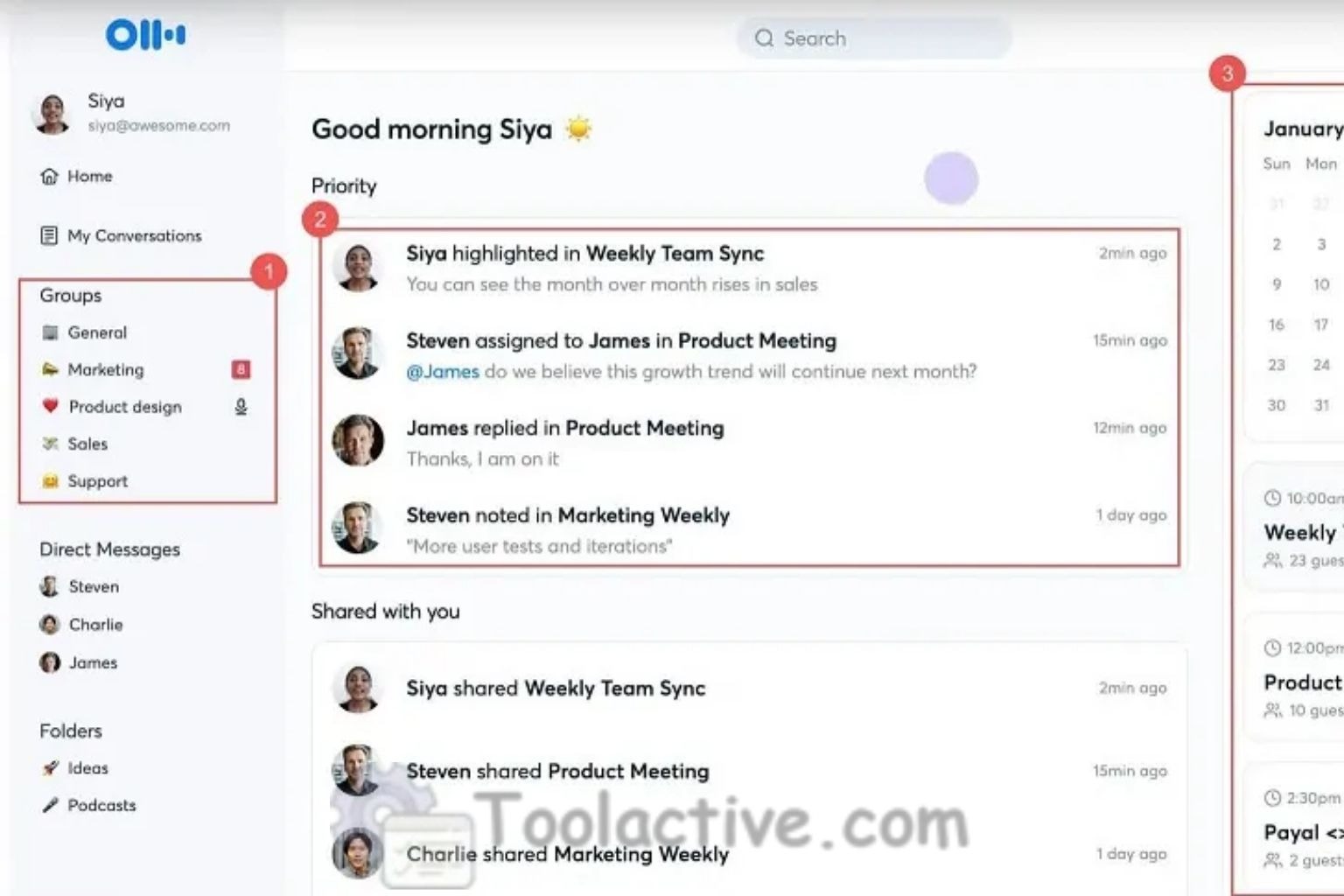
Best for: Professionals who attend frequent meetings or interviews.
Otter.ai is a real-time transcription assistant that records, transcribes, and summarizes conversations with incredible accuracy. It integrates directly into Zoom, Google Meet, and Microsoft Teams, making note-taking obsolete.
Key Features:
-
Live transcription during meetings.
-
Automatic meeting summaries and keyword tagging.
-
Shareable transcripts with timestamps.
Pros: Exceptional accuracy; ideal for collaboration.
Cons: Requires clear audio for best results.
Pricing: Free basic plan; Pro starts at $10/month.
Best For: Executives, journalists, educators, and HR professionals.
4.5 GrammarlyGO - AI Writing Assistant with Contextual Awareness

Best for: Writing emails, reports, and creative content with polished tone.
GrammarlyGO uses generative AI to go far beyond grammar checking. It understands context, intent, and tone - helping users write persuasive, clear, and professional messages in seconds.
Key Features:
-
Personalized tone detection and adjustment.
-
Context-aware rewrite suggestions.
-
Integrates with Gmail, Word, Slack, and Chrome.
Pros: Makes writing faster and sharper; adapts to brand tone.
Cons: Occasional phrasing can sound too formal.
Pricing: Free tier available; Premium from $12/month.
Best For: Content creators, marketers, and sales teams.
4.6 Fireflies.ai - The AI That Listens, Remembers, and Summarizes
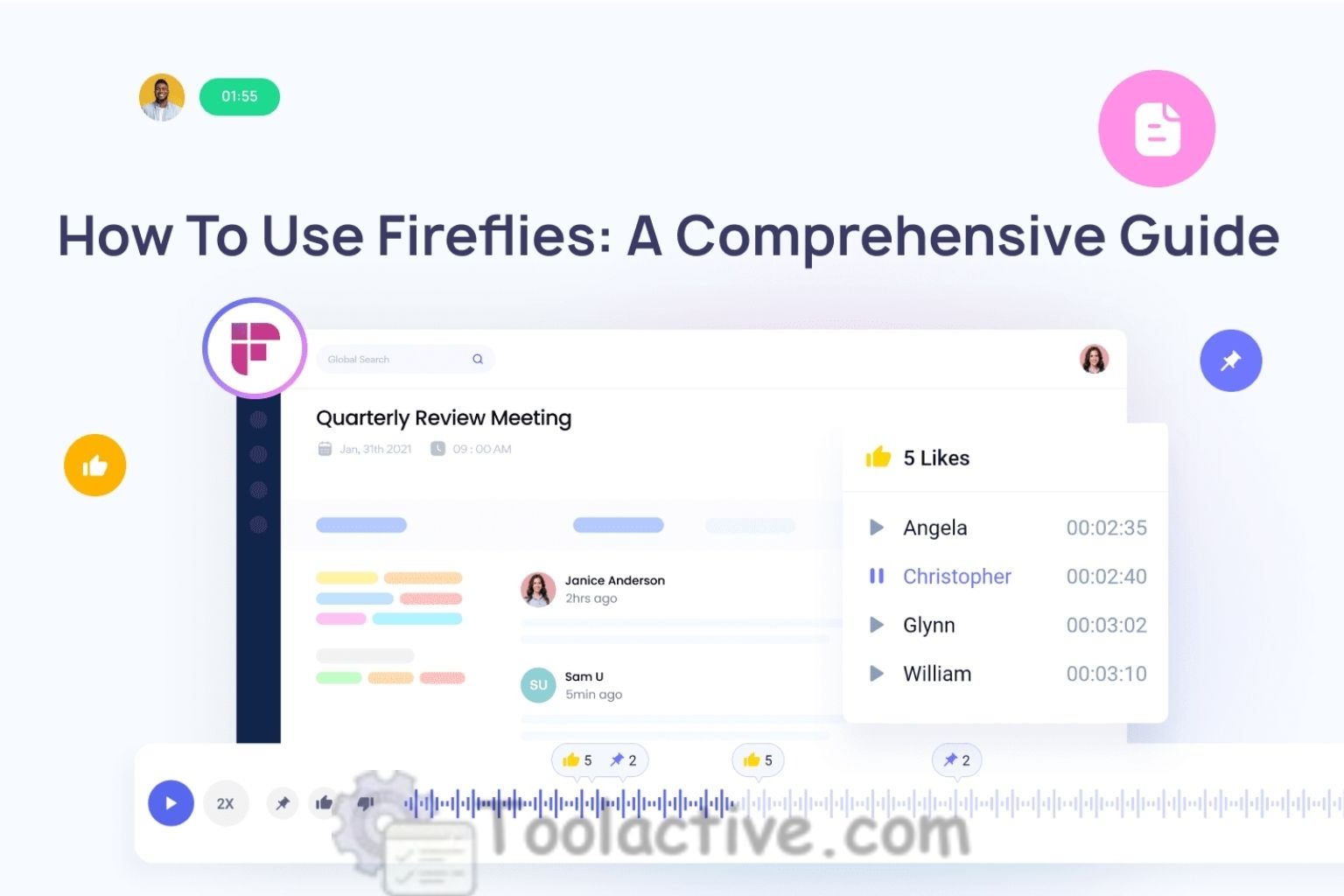
Best for: Teams handling voice calls, podcasts, or interviews.
Fireflies.ai captures your conversations, transcribes them, and uses AI to summarize the most important points - all automatically.
Key Features:
-
Records and indexes meetings from Zoom, Teams, and Webex.
-
Keyword search across all transcripts.
-
AI-generated meeting summaries.
Pros: Saves hours of manual note-taking.
Cons: Large files may require longer processing times.
Pricing: Free plan available; Business plan from $18/month.
Best For: Sales, marketing, and customer support teams.
4.7 Reclaim.ai - The Intelligent Time Optimizer
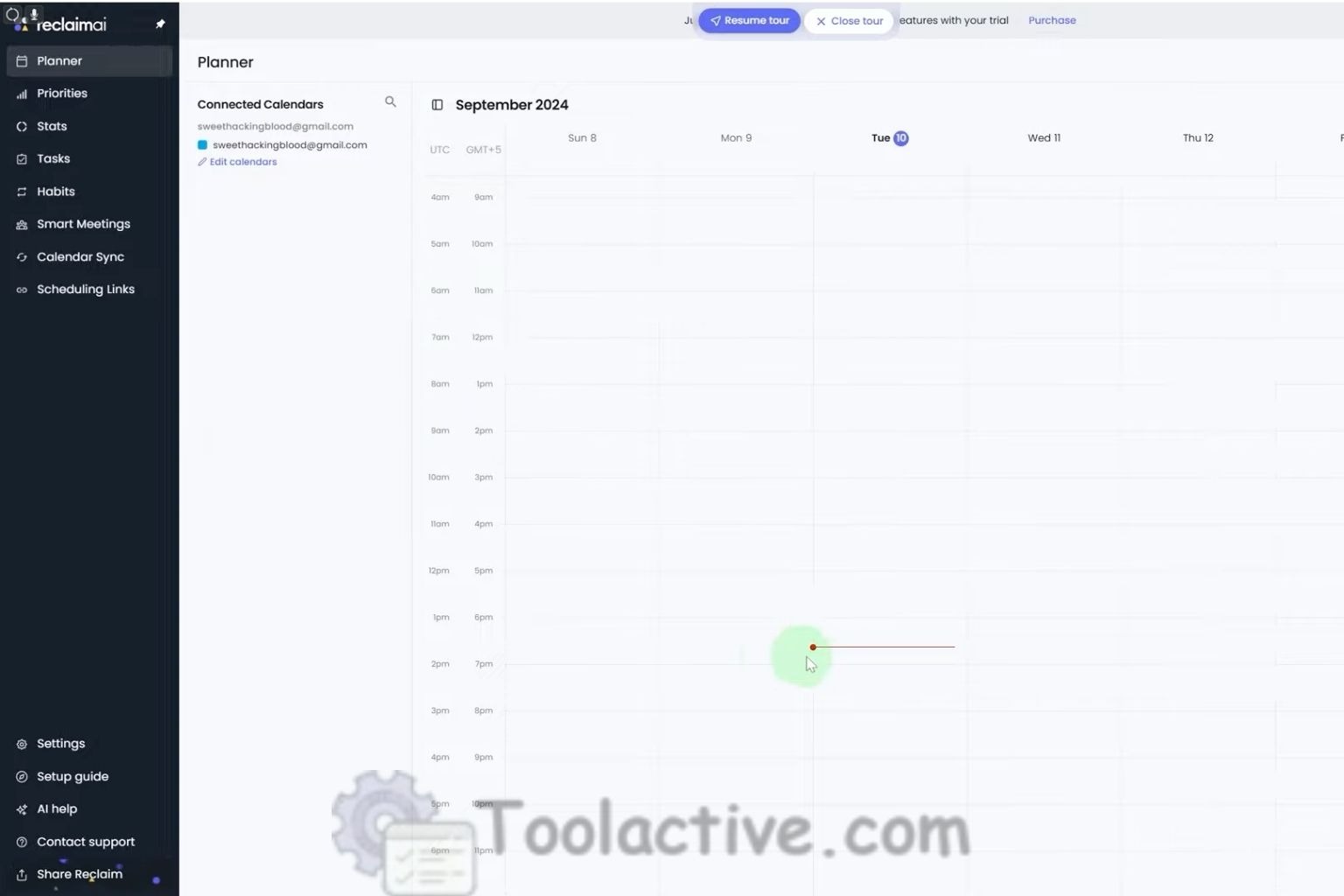
Best for: Professionals balancing meetings and deep work.
Reclaim uses machine learning to find time for tasks automatically, ensuring your calendar never overflows. It learns from your work rhythm - blocking focus time when you’re most productive.
Key Features:
-
Smart task time blocking.
-
Automatic meeting rescheduling.
-
Personal productivity insights.
Pros: Excellent analytics; feels personalized.
Cons: Limited support outside Google Calendar.
Pricing: Free for individuals; Premium from $8/month.
Best For: Executives, project managers, and consultants.
4.8 x.ai (Now Part of Bizzabo) - The Professional Email Scheduler
Best for: Managing meeting invites and follow-ups via email.
Once an independent app, x.ai now powers AI scheduling within event and business communication platforms. It helps professionals book meetings seamlessly via email - just CC the assistant, and it handles the rest.
Key Features:
-
Autonomous email scheduling assistant.
-
Supports multiple calendars.
-
Natural language understanding (“Book a call with John next week”).
Pros: Hands-free scheduling through email.
Cons: Less visual interface than others.
Pricing: Custom pricing through Bizzabo.
Best For: Event managers, consultants, and executives.
4.9 Superhuman AI - The Fastest Email Experience on Earth
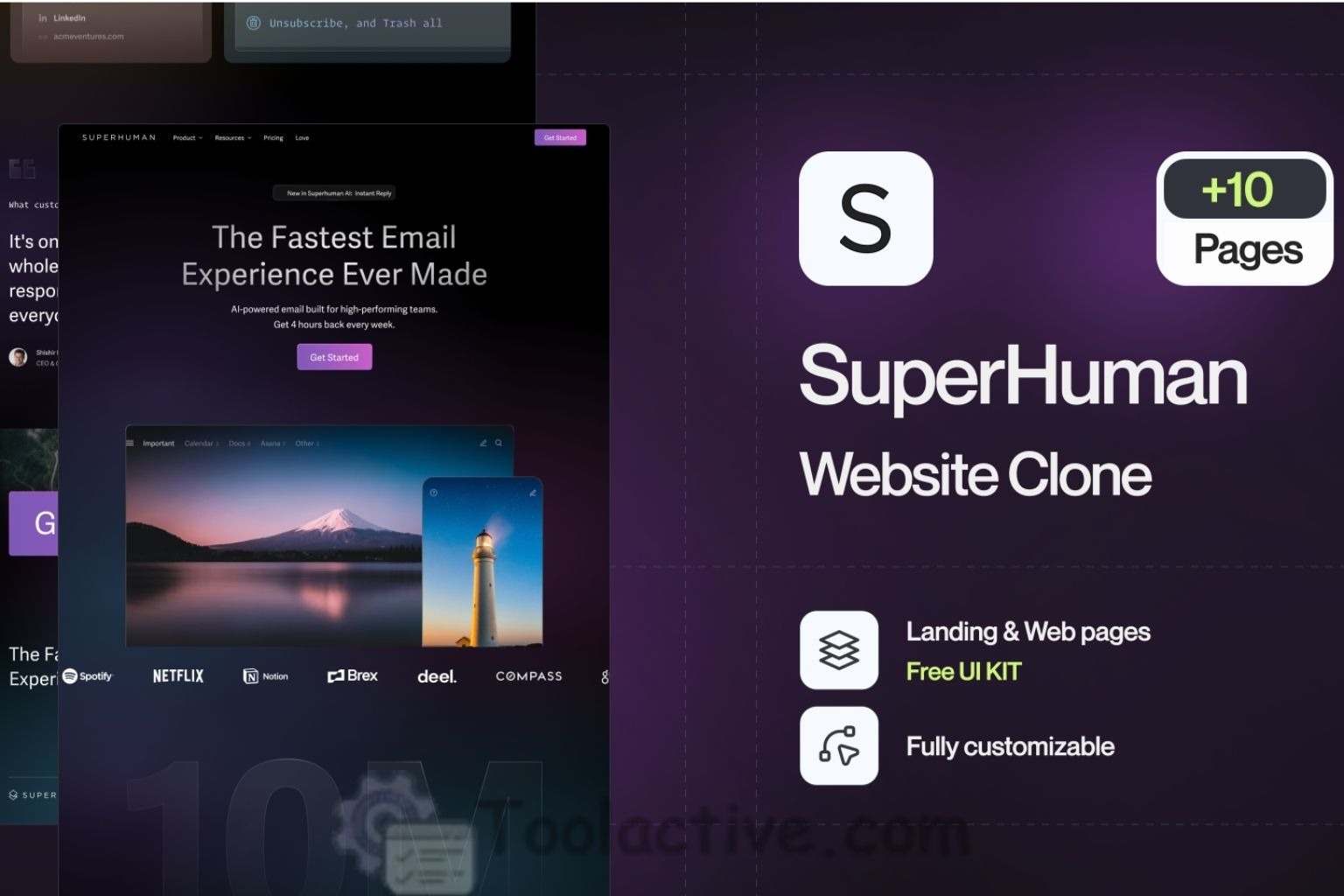
Best for: High-volume email users who crave speed and efficiency.
Superhuman is the Ferrari of email tools - fast, intelligent, and elegant. Its AI layer predicts replies, drafts emails, and helps users achieve “Inbox Zero” faster than ever.
Key Features:
-
Predictive replies and contextual message writing.
-
Priority sorting and task-based inbox.
-
Keyboard shortcuts and minimal design.
Pros: Blazing fast; perfect for power users.
Cons: Expensive compared to standard email tools.
Pricing: $30/month.
Best For: Executives, founders, and busy professionals.
4.10 Personal.ai - Your Memory, Amplified
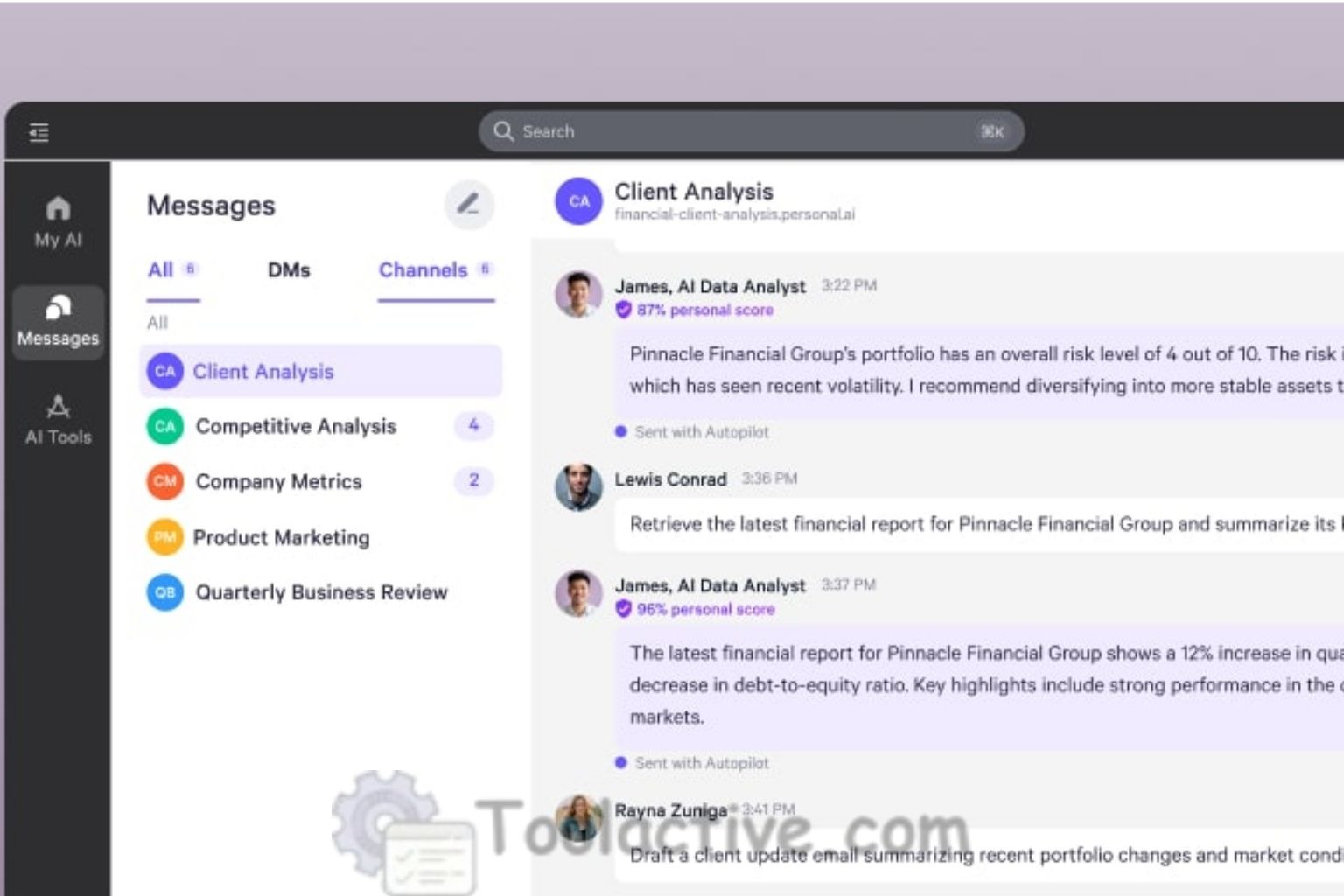
Best for: Professionals who want personalized AI assistance trained on their data.
Personal.ai builds a “second brain” trained on your notes, messages, and ideas. Over time, it can recall past conversations, generate responses in your voice, and serve as your personal digital twin.
Key Features:
-
Knowledge-based memory engine.
-
Personalized tone generation.
-
Private and secure AI data handling.
Pros: Uniquely personal and deeply useful.
Cons: Still in early adoption phase.
Pricing: Free basic plan; premium from $40/month.
Best For: Coaches, consultants, and high-performance professionals.
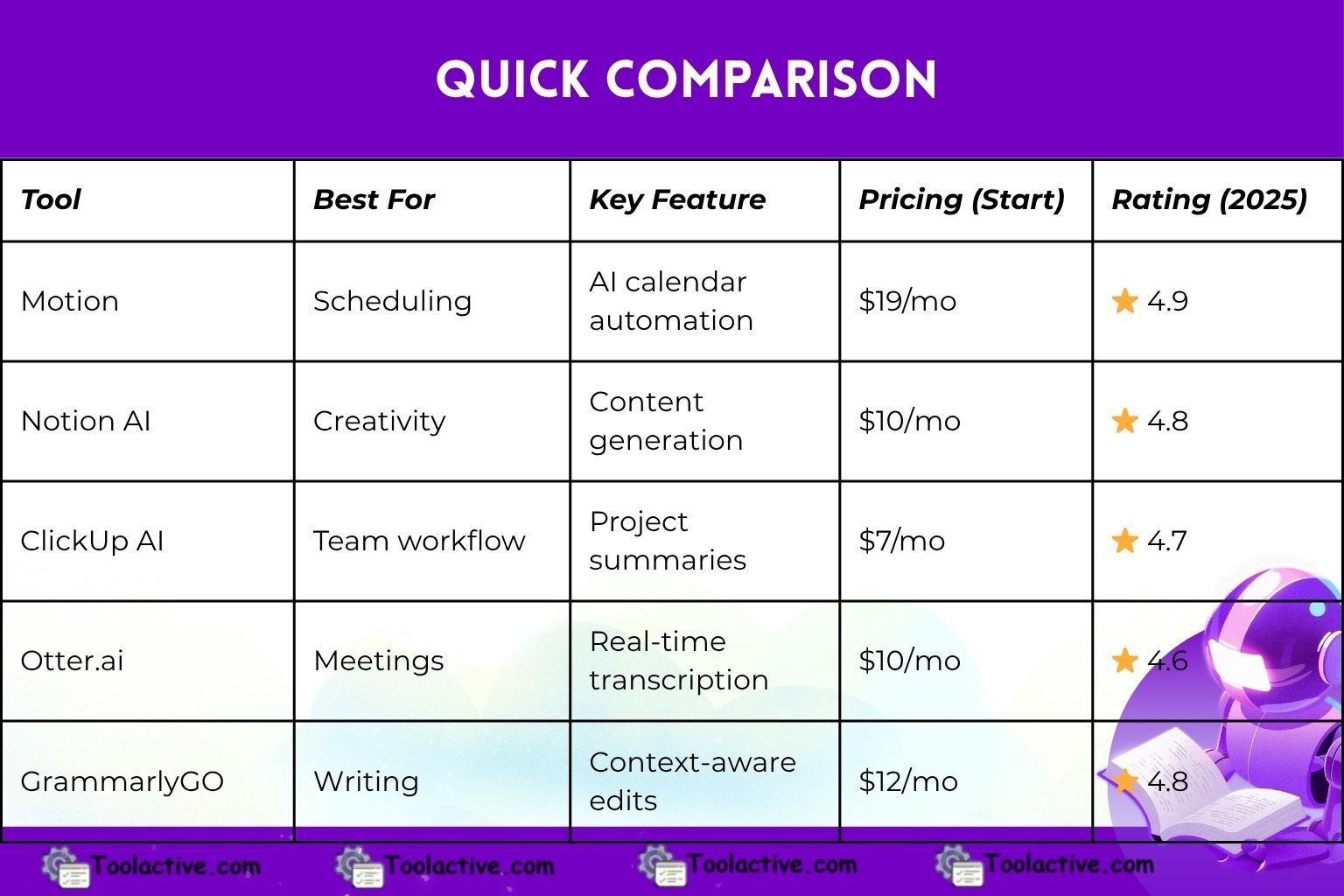
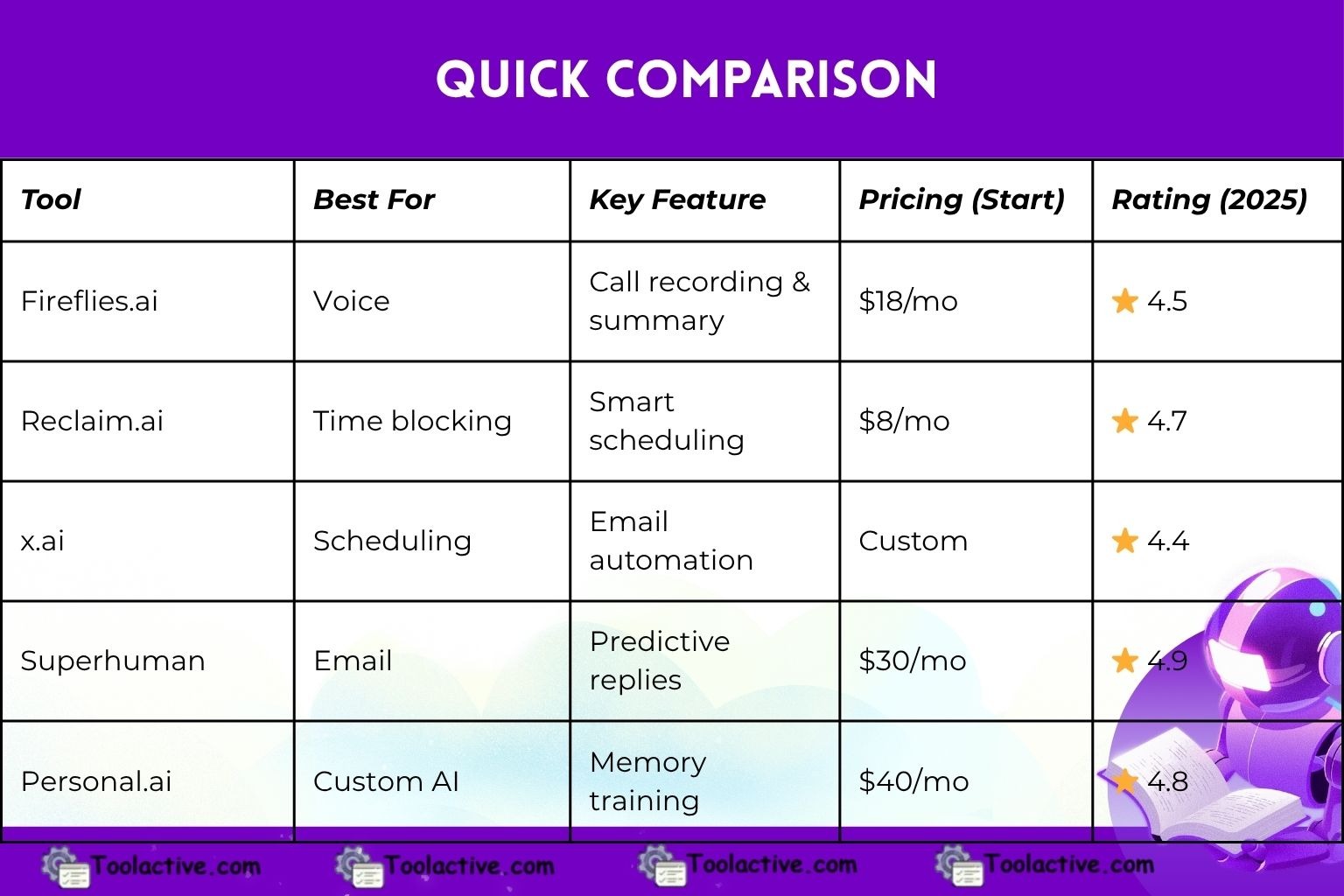
Summary Table: Quick Comparison
5. Specialized Categories of AI Assistant Tools
5.1 Email Assistants
Examples: Superhuman AI, Gmail Duet AI
Automate replies, clean inboxes, and schedule follow-ups with predictive logic.
5.2 Marketing Assistants
Examples: Jasper, HubSpot AI, Copy.ai
Generate social media content, email campaigns, and blog drafts.
5.3 Executive Assistants
Examples: Clara Labs, Double
Provide end-to-end scheduling and communication management.
5.4 Voice & Conversational AI
Examples: Siri, Alexa, ChatGPT Voice
Enable hands-free productivity for multitaskers.
5.5 Content & Creative Assistants
Examples: Writesonic, Notion AI
Assist with brainstorming, outlines, and creative ideation.
6. How to Choose the Right AI Assistant Tool
Choosing the right AI website assistant depends on your goals.
6.1 Define Your Purpose:
Is your goal personal productivity, team management, or marketing?
6.2 Evaluate Integrations:
Ensure compatibility with your current workflow (Google Workspace, Slack, etc.).
6.3 Prioritize Security:
Select tools that comply with GDPR or enterprise-grade encryption.
6.4 Test User Experience:
A good assistant should enhance - not complicate - your routine.
6.5 Compare Pricing vs Features:
Some offer free tiers, but premium features like automation or integrations may require upgrades.
7. User Persona & Use Cases
7.1 Marketers: Automate campaign updates, email sequences, and reports.
7.2 Executives: Manage schedules, reminders, and meeting notes hands-free.
7.3 Creators: Brainstorm content ideas and optimize productivity workflows.
7.4 Developers: Automate documentation and project tracking.
7.5 Entrepreneurs: Streamline CRM data, invoicing, and time tracking.
If you want to explore more automation support tools, you can see the list of ai email assistant.
8. Expert Insight – Jason Miller, Marketing Tools Specialist
“After five years testing over 100 assistant tools, I’ve learned that success isn’t about having more AI - it’s about finding the one that fits your rhythm. I rely on Motion to plan my week, Notion AI for idea capture, and GrammarlyGO for client emails.
My advice? Start with one assistant, explore its ecosystem, and let it grow with your workflow. The real magic happens when AI feels invisible - when it works quietly behind the scenes while you focus on what truly matters.”
9. FAQs
1. What are AI assistant tools?
AI assistant tools are software or web-based platforms that use artificial intelligence to automate tasks, answer questions, create content, manage workflows, and improve productivity.
2. Why are AI assistants important in 2025?
In 2025, AI assistants offer advanced reasoning, automation, personalization, and multi-tool integrations—helping users work faster and make smarter decisions with less manual effort.
3. What tasks can AI assistants handle?
They can perform content creation, scheduling, research, data analysis, customer support, coding assistance, design generation, workflow automation, and real-time communication.
4. Are AI assistant tools suitable for businesses?
Yes. Many AI assistants include enterprise features like team collaboration, security controls, analytics, and integrations with CRM, project management, and communication tools.
5. Do AI assistants replace human workers?
No. They enhance productivity by automating repetitive tasks, while humans still provide strategy, creativity, and decision-making.
6. How accurate are AI assistants in 2025?
Accuracy has significantly improved due to better language models, real-time learning, and expanded datasets, but human review is still recommended for critical tasks.
7. Are AI assistants safe to use?
Reputable platforms use encryption, privacy controls, and compliance standards to protect user data. Users should still avoid sharing highly sensitive information.
8. Are these tools free?
Many AI assistants offer free tiers with limitations, while premium plans provide more features, faster responses, higher usage limits, and team functionalities.
9. Can AI assistants integrate with other apps?
Most top AI assistants support integrations with tools like Google Workspace, Slack, Notion, Trello, CRM systems, and automation platforms like Zapier.
10. Do I need technical skills to use an AI assistant?
Not at all. Most tools are designed to be user-friendly, with simple prompts, templates, and guided features suitable for beginners.
10. The Future of AI Assistants
AI assistants are evolving from simple task managers into full-fledged digital companions. The future promises multimodal AI - tools that combine text, voice, and visual understanding - and personalized intelligence that anticipates your needs without being asked.
By 2030, every professional could have their own virtual co-worker trained specifically for their job.
Check our Sembly AI collection
11. Conclusion
The modern workplace thrives on efficiency, and AI assistant tools have become its backbone. From the best AI assistant websites like Motion and Notion to conversational AI and voice-driven helpers, the ecosystem is richer than ever.
Your next move? Pick one assistant from this list, integrate it into your workflow, and watch how effortlessly productivity transforms into progress.




.jpg)