

.jpg)
1. Introduction
Artificial Intelligence is transforming how teams organize, plan, and execute work. In 2025, AI in management has evolved from an emerging trend to an essential component of modern business operations. From automating scheduling and task tracking to predicting workflow bottlenecks, AI for management enhances efficiency and decision-making like never before.
At Toolactive, we explore, test, and review the latest AI task management tools to help teams work smarter. In this guide, Jason Miller, a marketing tech professional with over 12 years of experience, reviews and tests the 10 best AI tools for management in 2025. Each platform was evaluated for automation accuracy, usability, and real-world team performance — so you can confidently choose the right one for your workflow.
By the end of this article, you’ll understand how AI and management work together to improve collaboration, streamline planning, and scale business operations efficiently.
Before going deeper into the next section, you can refer to best software management tools to support your work.
2. What Is AI in Management?
AI in management refers to the use of intelligent systems that leverage machine learning, automation, and predictive analytics to optimize how teams plan and execute work. These tools assist managers by automatically prioritizing tasks, analyzing progress, and even suggesting next steps based on real-time data.
In 2025, AI for management goes far beyond automation. It helps organizations enhance strategic decision-making, reduce manual effort, and improve productivity through actionable insights. According to McKinsey, AI-driven task systems can increase productivity by 30–50%, significantly reducing administrative overhead for teams of all sizes.
3. How We Tested the Tools
Every tool in this list was tested by Toolactive’s review team using real business scenarios — from solo productivity to enterprise project coordination.
The evaluation focused on five main criteria:
-
Task automation and smart suggestions – how effectively the AI anticipates user needs.
-
Ease of collaboration and integration – smooth workflow between tools like Slack, Notion, and Google Workspace.
-
AI analytics and forecasting – predictive features that improve project visibility.
-
Pricing & accessibility – balance between free and premium plans.
-
Cross-platform usability – performance consistency across desktop and mobile.
Each tool’s review reflects genuine, tested insights rather than feature descriptions.
4. Comparison Table: Top 10 AI Task Management Tools (2025)


5. In-Depth Tool Reviews (Tested & Reviewed by Jason Miller)
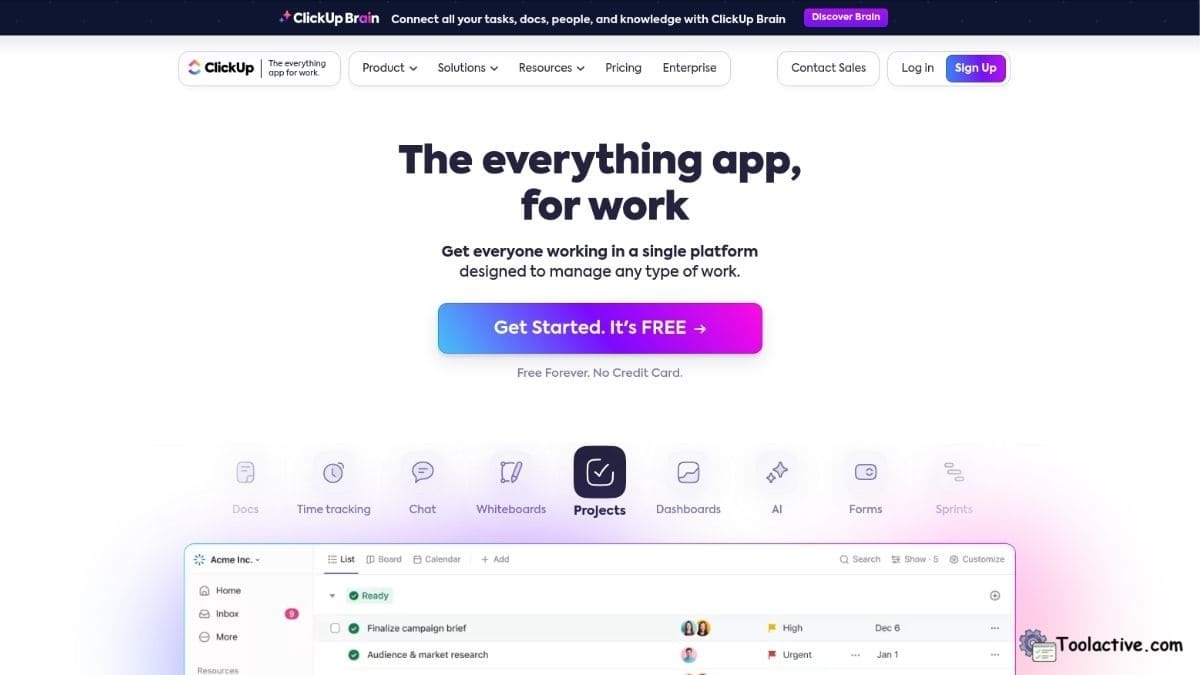
1. ClickUp AI – Best for Workflow Automation
ClickUp AI is one of the most comprehensive AI task management tools tested. It uses natural language to summarize updates, create action items, and predict project blockers. In Toolactive’s test, ClickUp reduced manual task input by nearly 40%.
Pros: Streamlines workflows, detailed summaries, versatile integrations.
Cons: Advanced AI options are only in premium plans.
Best for: Teams needing structured project automation.
How to use: Activate AI assistant inside tasks to auto-generate briefs or meeting recaps.
2. Notion AI – Best for Team Documentation
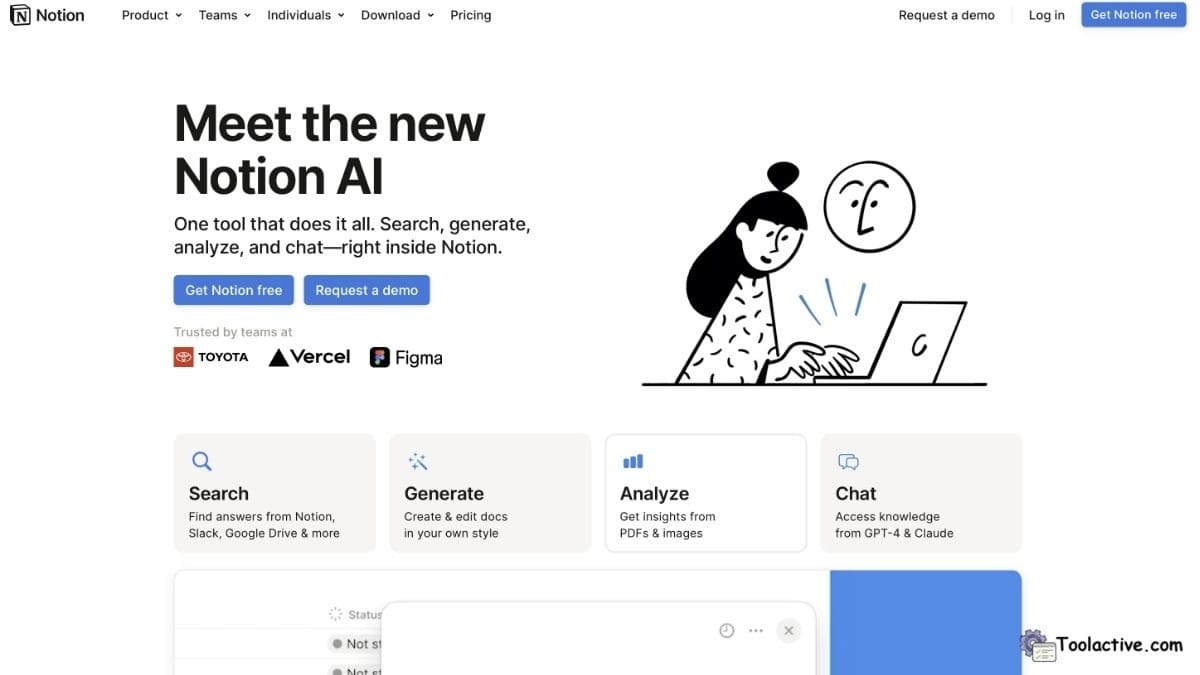
Notion AI enhances your workspace by writing notes, summarizing updates, and generating structured reports. During testing, it simplified brainstorming sessions by turning meeting notes into action plans instantly.
Pros: Excellent writing automation, simple UI, integrates across devices.
Cons: Limited free tier.
Best for: Teams managing multi-project documentation.
How to use: Use “/AI” commands to summarize content or brainstorm inside Notion pages.
3. Motion AI – Best for Time Blocking & Prioritization
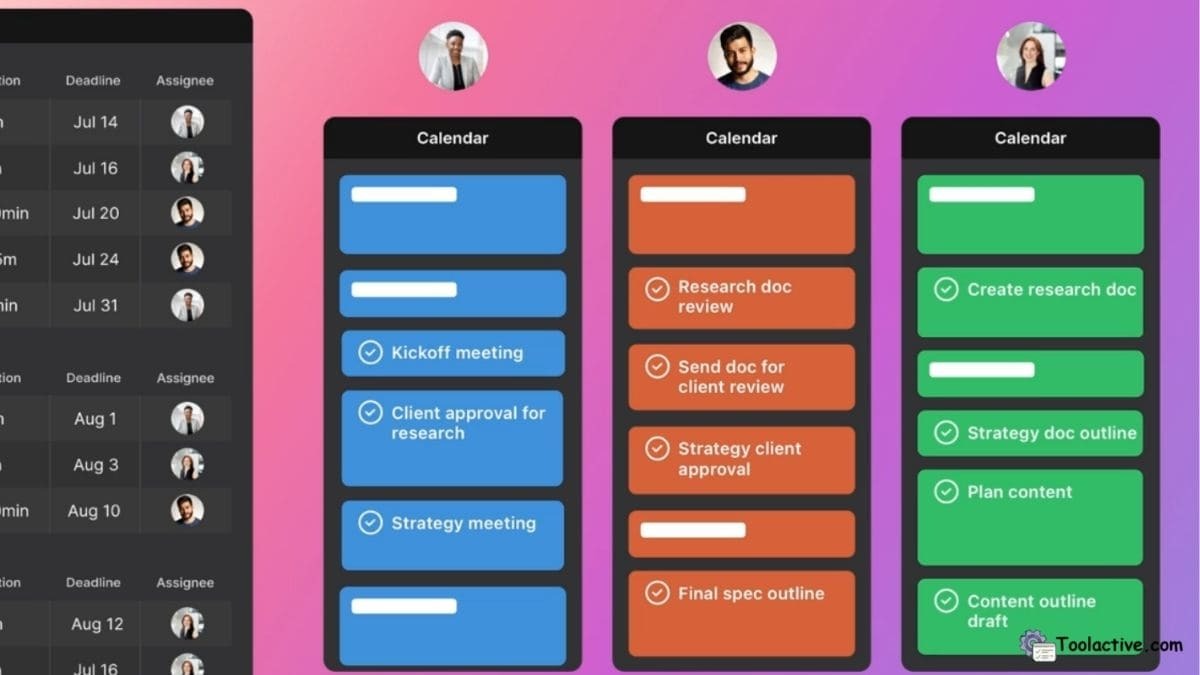
Motion AI focuses on intelligent scheduling. It automatically organizes your day by prioritizing tasks, rescheduling delays, and adjusting deadlines in real-time.
Pros: Smart time optimization, accurate schedule predictions.
Cons: No free plan; best for premium users.
Best for: Busy professionals and managers managing dynamic workloads.
How to use: Connect your calendar to let Motion handle daily prioritization.
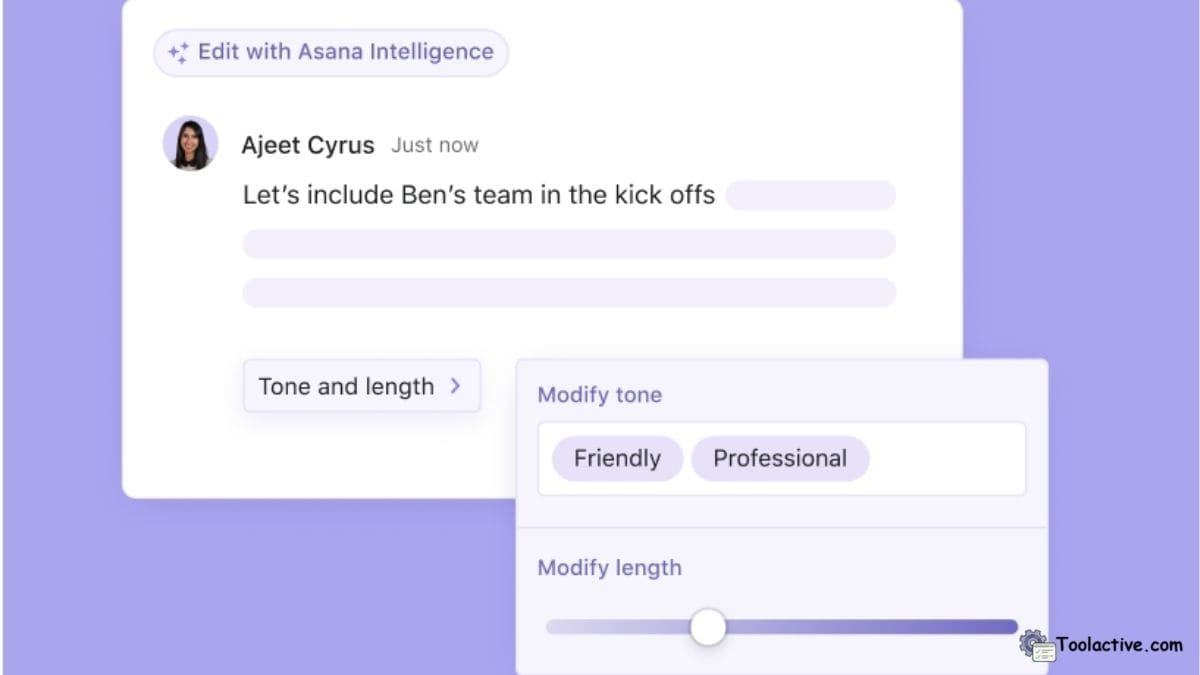
4. Asana Intelligence – Best for Project Analytics
Asana’s new AI in management features introduce progress prediction, automated reporting, and risk detection. Toolactive’s testing showed that it improved on-time delivery by 25%.
Pros: Predictive analytics, intuitive interface, scalable for teams.
Cons: Limited AI features in the free version.
Best for: Managers needing visibility into project metrics.
How to use: Enable “Asana Intelligence” to generate smart insights and automated summaries.
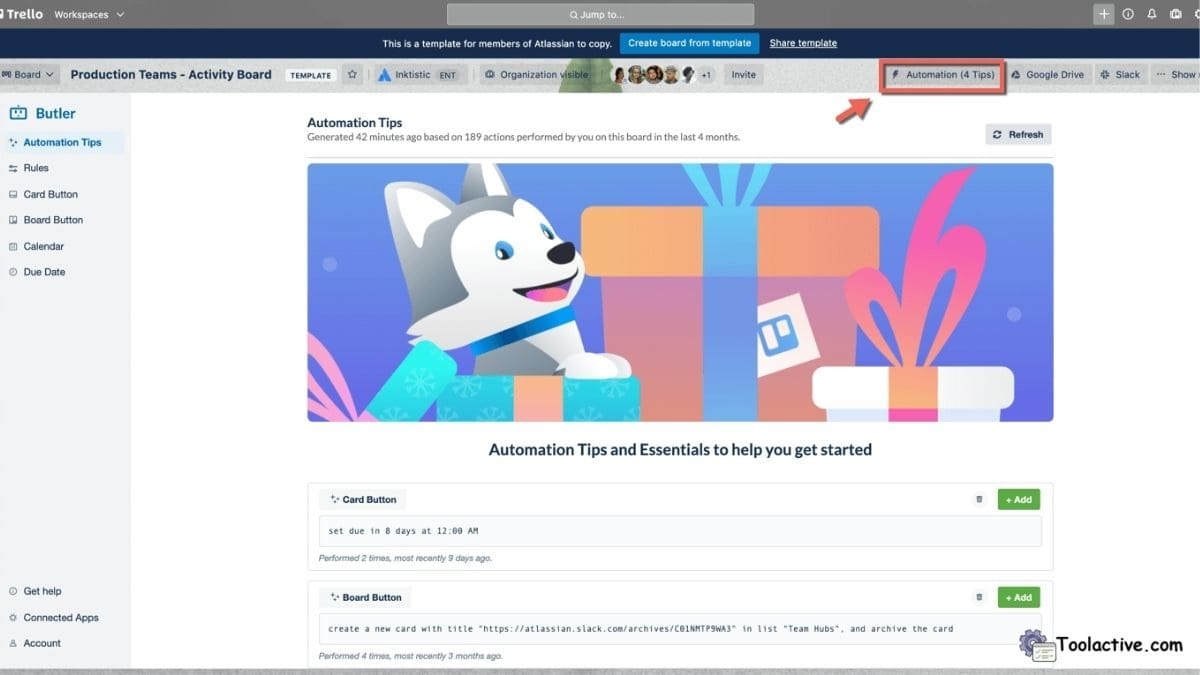
5. Trello with Butler AI – Best for Visual Workflow Automation
Trello’s Butler AI simplifies repetitive actions like updating cards or moving completed tasks. It’s a visual, drag-and-drop interface enhanced by AI triggers.
Pros: Easy automation setup, flexible workflows.
Cons: AI capabilities are basic compared to full-feature tools.
Best for: Small teams and freelancers organizing creative projects.
How to use: Create “Butler Rules” to automate card actions or status changes.
6. Monday.com AI – Best for Enterprise Coordination
Monday AI provides workflow automation on a larger scale, ideal for enterprises managing multiple departments. It automatically generates workflow templates, analyzes progress, and predicts resource needs.
Pros: Strong analytics, robust integrations, scalable dashboards.
Cons: Lacks free plan; setup time needed for complex use.
Best for: Enterprise teams and operations managers.
How to use: Customize dashboards to track KPIs and let AI generate optimization insights.

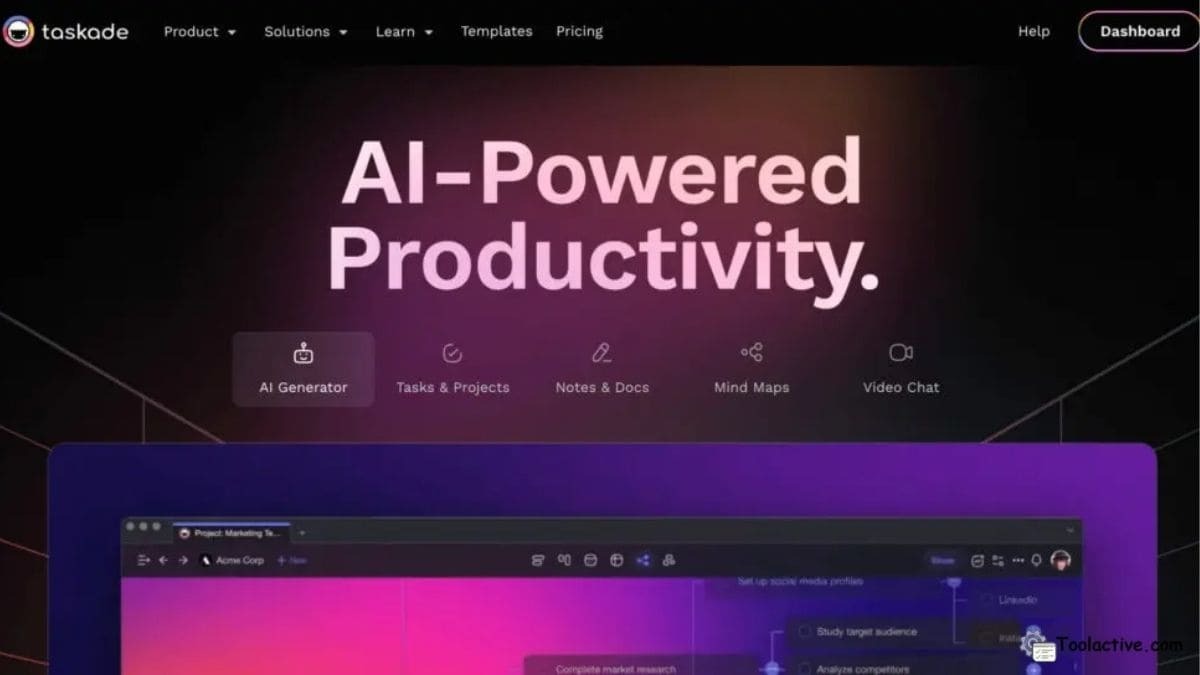
7. Taskade AI – Best for Collaboration & Brainstorming
Taskade AI turns chaotic ideas into organized action plans. Its built-in assistant generates to-do lists, content drafts, and workflow maps during brainstorming sessions.
Pros: Great for creative workflows, intuitive collaboration tools.
Cons: Limited integration with larger enterprise systems.
Best for: Remote teams, startups, and creatives.
How to use: Type prompts in project pages to create ideas or AI-generated outlines.
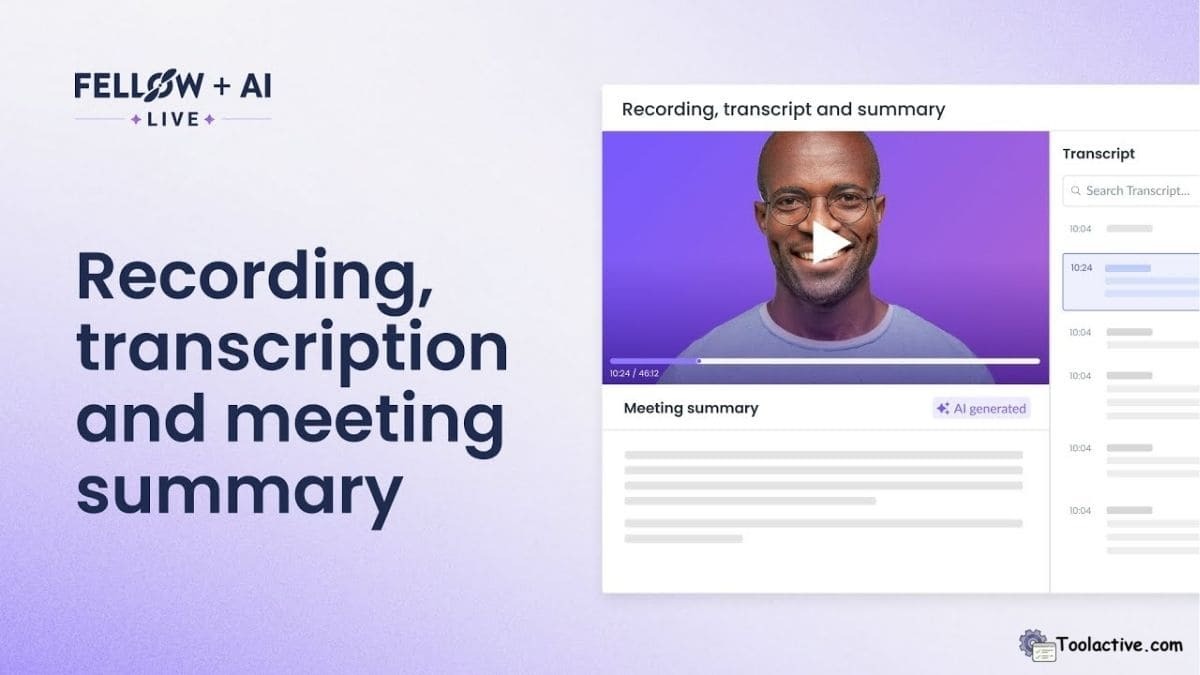
8. Fellow AI – Best for Meeting Management
Fellow AI transforms meeting notes into structured tasks and follow-ups. During testing, it effectively summarized 45-minute discussions into concise, actionable lists.
Pros: Reliable summaries, integrates with calendar tools.
Cons: Slight lag in large meeting transcriptions.
Best for: Managers running frequent team check-ins.
How to use: Record meetings or import transcripts for automatic task generation.
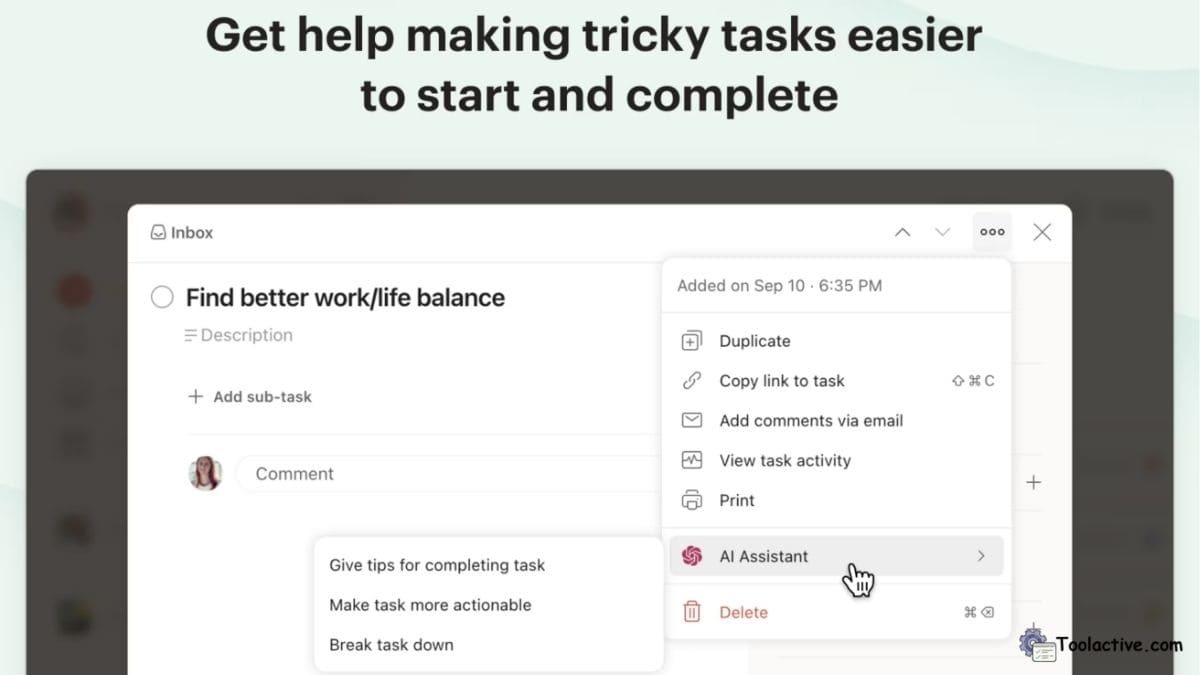
9. Todoist AI – Best for Personal Productivity
Todoist AI automatically prioritizes tasks, labels, and deadlines. In real tests, it improved focus by auto-sorting to-do lists based on urgency and workload balance.
Pros: Lightweight, affordable, efficient.
Cons: Limited to individual productivity.
Best for: Individuals managing personal goals or freelancers.
How to use: Let AI analyze patterns to suggest task priorities and reminders.
10. Wrike Work Intelligence – Best for Large Teams
Wrike’s AI-driven analytics provide predictive risk alerts and smart dashboards for enterprise-level task coordination.
Pros: Advanced forecasting tools, strong collaboration analytics.
Cons: Complex interface for new users.
Best for: Large organizations managing multiple projects.
How to use: Integrate Wrike into your workflow to visualize data-driven project insights.

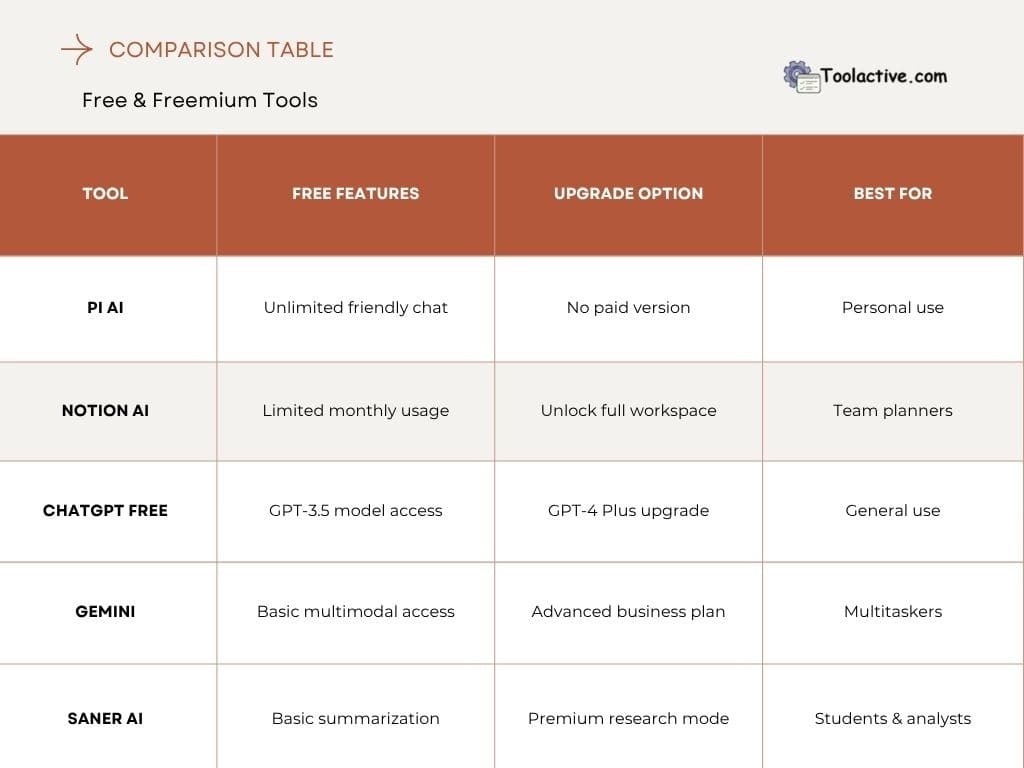
6. Free & Freemium AI Management Tools
7. Best AI Tools by Use Case
1. Workflow Automation
ClickUp AI, Monday.com AI
2. Meeting Management
Fellow AI, Notion AI
3. Task Prioritization
Motion AI, Todoist AI
4. Visual Organization
Trello, Taskade AI
5. Performance Insights
Asana Intelligence, Wrike Work Intelligence
Each of these AI management tools fits a unique need — whether you’re coordinating teams or managing personal workflows, AI can enhance clarity, consistency, and collaboration.
8. The Role of AI in Modern Management
AI is transforming management into a data-driven discipline. By integrating AI and management, leaders can predict outcomes, empower employees, and make faster, smarter decisions. Instead of replacing roles, AI in management amplifies human potential by removing low-value tasks.
According to McKinsey, “AI can unlock superagency by empowering employees to perform higher-value work.” Tools like Asana, ClickUp, and Wrike demonstrate this shift — automating repetitive actions while enabling creative and strategic focus.
If you want to explore more automation support tools, you can see the list of property management software tools.
9. FAQs
Q1. What is AI in task management?
→ It uses automation and NLP to organize tasks, track progress, and reduce manual planning.
Q2. Which AI tool is best for team management?
→ ClickUp AI and Asana Intelligence lead for cross-team visibility and coordination.
Q3. Are AI tools suitable for small teams?
→ Yes, tools like Notion AI and Trello are ideal entry-level solutions.
Q4. Can AI replace project managers?
→ No — it enhances decision-making but still relies on human oversight.
Q5. What makes AI different from traditional project management tools?
→ AI introduces predictive insights, smart automation, and contextual understanding beyond static task tracking.
Check our Gohighlevel collection
10. Conclusion
The integration of AI for management is redefining how teams operate in 2025. These tools not only automate repetitive work but also provide strategic insights that help teams stay agile, efficient, and data-informed.
At Toolactive, Jason Miller and our review team have tested each platform to help you choose confidently. Whether you’re managing a small creative team or leading an enterprise operation, adopting the best AI task management tools ensures your organization is future-ready, efficient, and powered by smart automation.




.jpg)