
.jpg)
1. Introduction
In 2025, writing with clarity and precision is no longer optional — it’s essential. Whether you’re crafting business reports, academic essays, or blog content, the best AI grammar checker tools can polish your writing, enhance readability, and eliminate embarrassing mistakes.
In this guide by Jason Miller on Toolactive, we’ve tested and reviewed the most popular AI grammar checkers to find which ones truly improve your writing. You’ll see which tools stand out for accuracy, usability, and affordability — and which ones best fit different writing needs.
This review will help you:
-
Understand what makes a grammar checker reliable and efficient
-
Compare leading tools side-by-side
-
Discover free and freemium options to start using today
-
Find the best AI grammar checker for your writing goals
Before going deeper into the next section, you can refer to ai tools for content creation to support your work.
2. What Are AI Grammar Checker Tools?
AI grammar checker tools are intelligent writing assistants powered by machine learning (ML) and natural language processing (NLP). They go beyond basic spellcheckers, identifying grammar, punctuation, and style issues while suggesting better word choices, tones, or sentence structures.
Common features include:
-
Error detection for spelling, punctuation, and grammar
-
Tone and clarity suggestions for better communication
-
Readability analysis to make writing smoother and more natural
-
Plagiarism checks and vocabulary enhancement
These tools are essential for professionals, students, and creators who want their words to sound polished and credible.

3. How We Tested These Tools
Our Toolactive review team, led by Jason Miller, tested each grammar checker across multiple writing contexts — from blog articles and business emails to academic essays.
We rated them based on:
-
Accuracy of corrections: how well the AI caught real mistakes
-
Ease of use: how intuitive the interface and browser integrations were
-
Feature depth: tone detection, paraphrasing, plagiarism scanning, etc.
-
Value for money: comparing free vs. premium tiers
Our goal: to identify AI grammar tools that improve writing quality without slowing your workflow or overcomplicating the process.
4. Top 10 Best AI Grammar Checker Tools (2025 Overview)

5. Detailed Reviews (Tested by Jason Miller)
1. Grammarly — Best for Everyday Writing
Pros: Extremely accurate, smooth interface, real-time tone and style suggestions.
Cons: Some premium features (like tone rewrites) are behind paywall.
Best For: Professionals, students, and marketers writing daily content.
How to Use: Add the Chrome or Word plugin and start typing — Grammarly highlights and explains issues instantly.

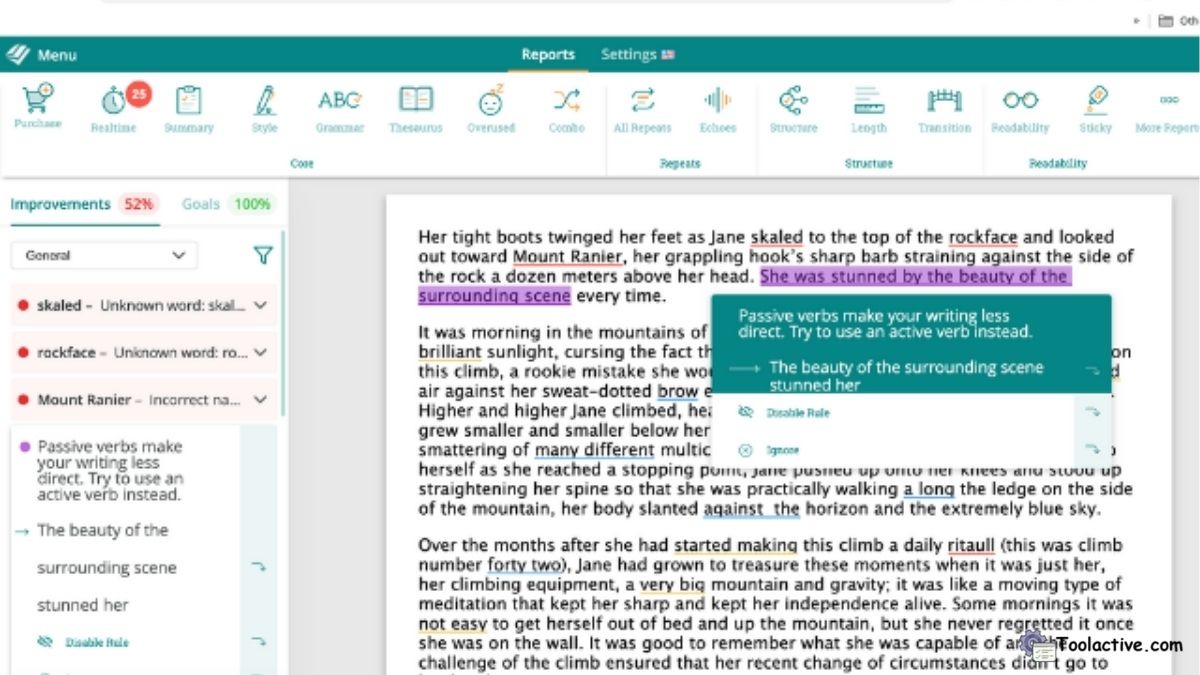
2. ProWritingAid — Best for Creative & Long-Form Writing
Pros: In-depth style reports and readability scoring; great for fiction writers.
Cons: Slightly slower interface than Grammarly.
Best For: Authors, bloggers, and content creators seeking stylistic refinement.
How to Use: Integrate with Google Docs or Word to run detailed style analysis.
3. LanguageTool — Best for Multilingual Users
Pros: Supports 20+ languages; intuitive browser extensions.
Cons: Occasional false positives in advanced grammar.
Best For: Writers working in English, Spanish, German, or French.
How to Use: Use its free online editor or install as a browser extension.

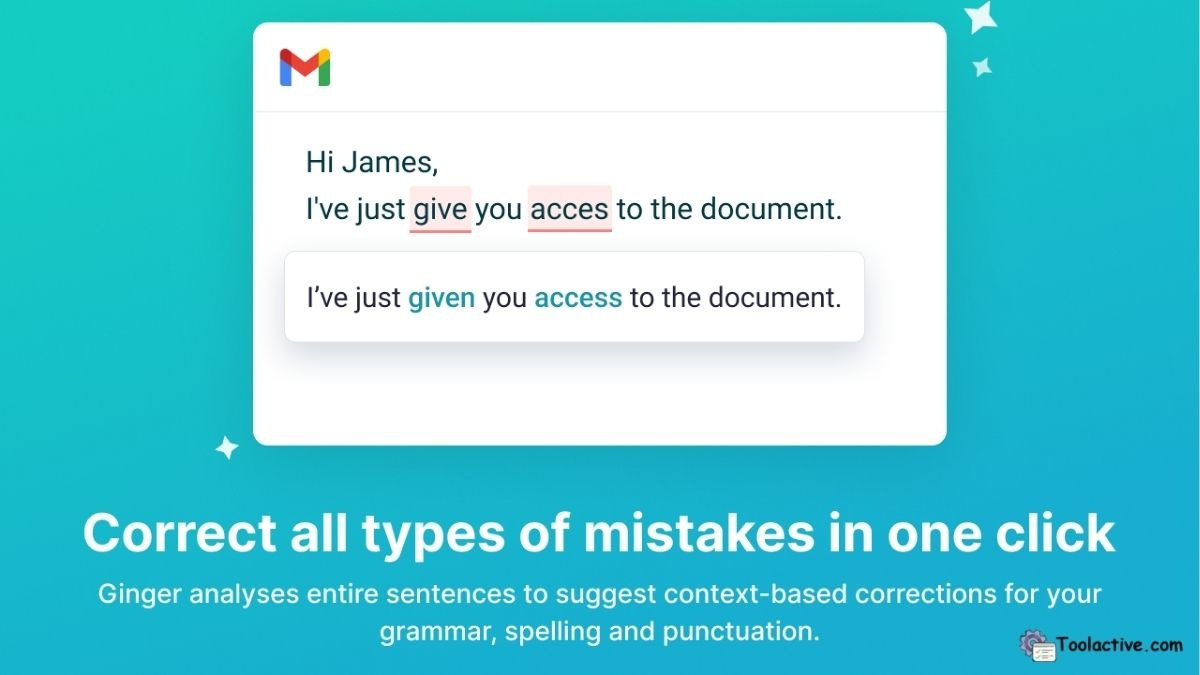
4. Ginger — Best for Affordability and Quick Fixes
Pros: Accurate correction engine and built-in translator.
Cons: Fewer advanced reports compared to ProWritingAid.
Best For: Non-native speakers who want grammar + translation aid.
How to Use: Type or paste your text into the Ginger Editor or use its Chrome add-on.
5. Wordtune — Best for Tone & Paraphrasing
Pros: Excellent rephrasing suggestions and tone control (casual, formal).
Cons: Limited grammar feedback vs. Grammarly.
Best For: Professionals looking to improve clarity and engagement.
How to Use: Highlight sentences in browser to get rewrite and tone options.

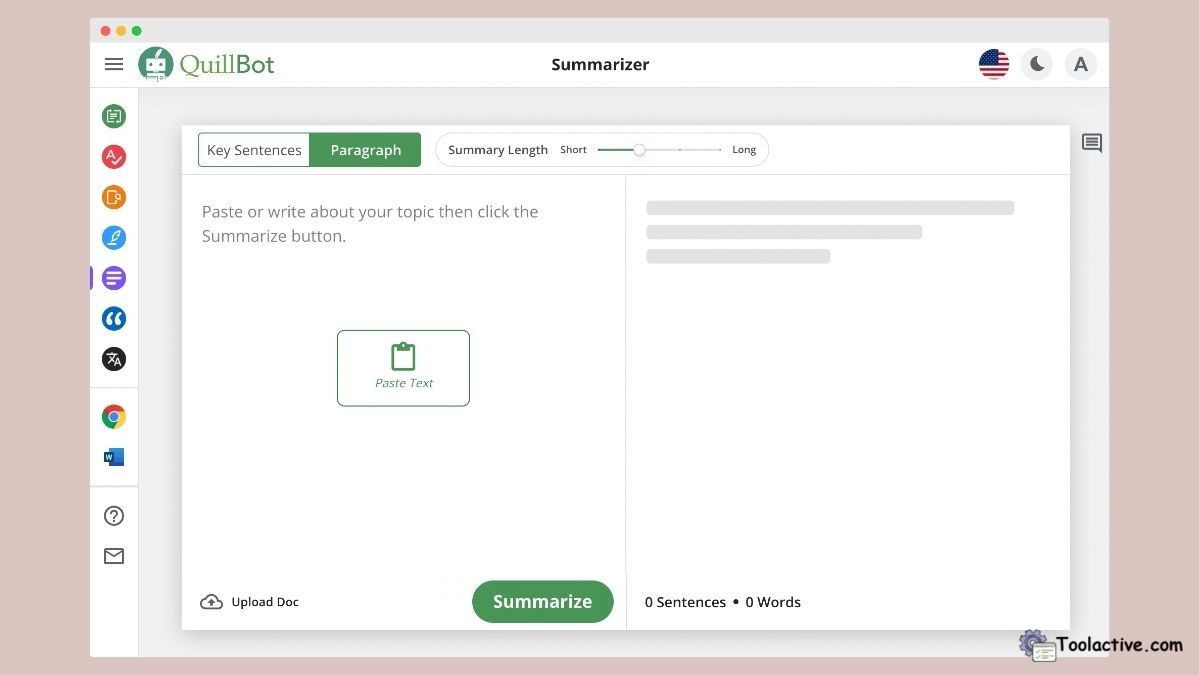
6. QuillBot — Best Free Grammar Tool
Pros: Free access to grammar and paraphrase tools; easy to use.
Cons: Some advanced rewriting features require premium.
Best For: Students and casual writers.
How to Use: Visit QuillBot’s site and use the grammar or paraphrase tabs instantly.
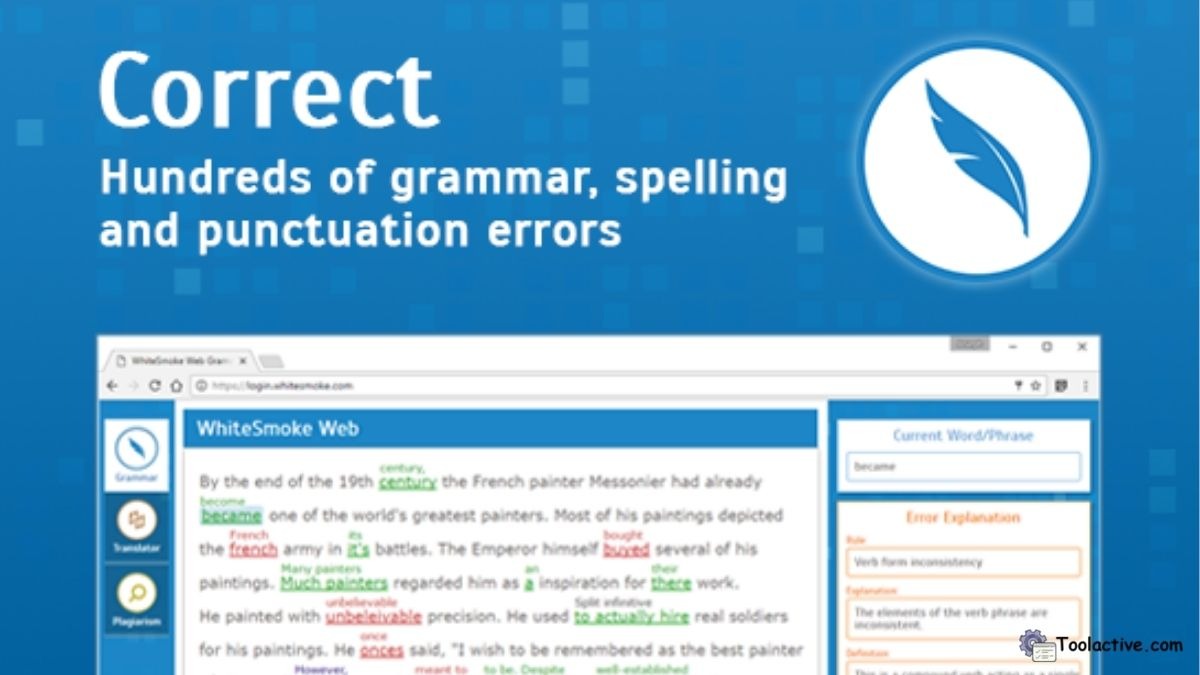
7. WhiteSmoke — Best for Comprehensive Writing Aids
Pros: Offers translation, plagiarism detection, and grammar checking.
Cons: Outdated interface, slower web version.
Best For: Professionals needing a full writing suite.
How to Use: Install desktop software or use a web version for text scanning.
8. PaperRater — Best for Academic Writing
Pros: Built-in plagiarism and readability analysis.
Cons: Limited design; less suited for business writing.
Best For: Students, teachers, and researchers.
How to Use: Upload essays or reports for automatic scoring and grammar feedback.

9. Wordvice AI — Best for Business & Research Writing
Pros: Context-aware suggestions and AI paraphrasing.
Cons: Slightly higher price for full suite.
Best For: Academic, business, and research documents.
How to Use: Use the online editor or Word plugin to refine your text.

10. Hemingway Editor — Best for Simplicity & Readability
Pros: Highlights long, complex sentences; improves readability.
Cons: Doesn’t check grammar or punctuation deeply.
Best For: Bloggers, journalists, and UX writers.
How to Use: Paste text into the free web app to get instant readability grades.

6. Free & Freemium Tools
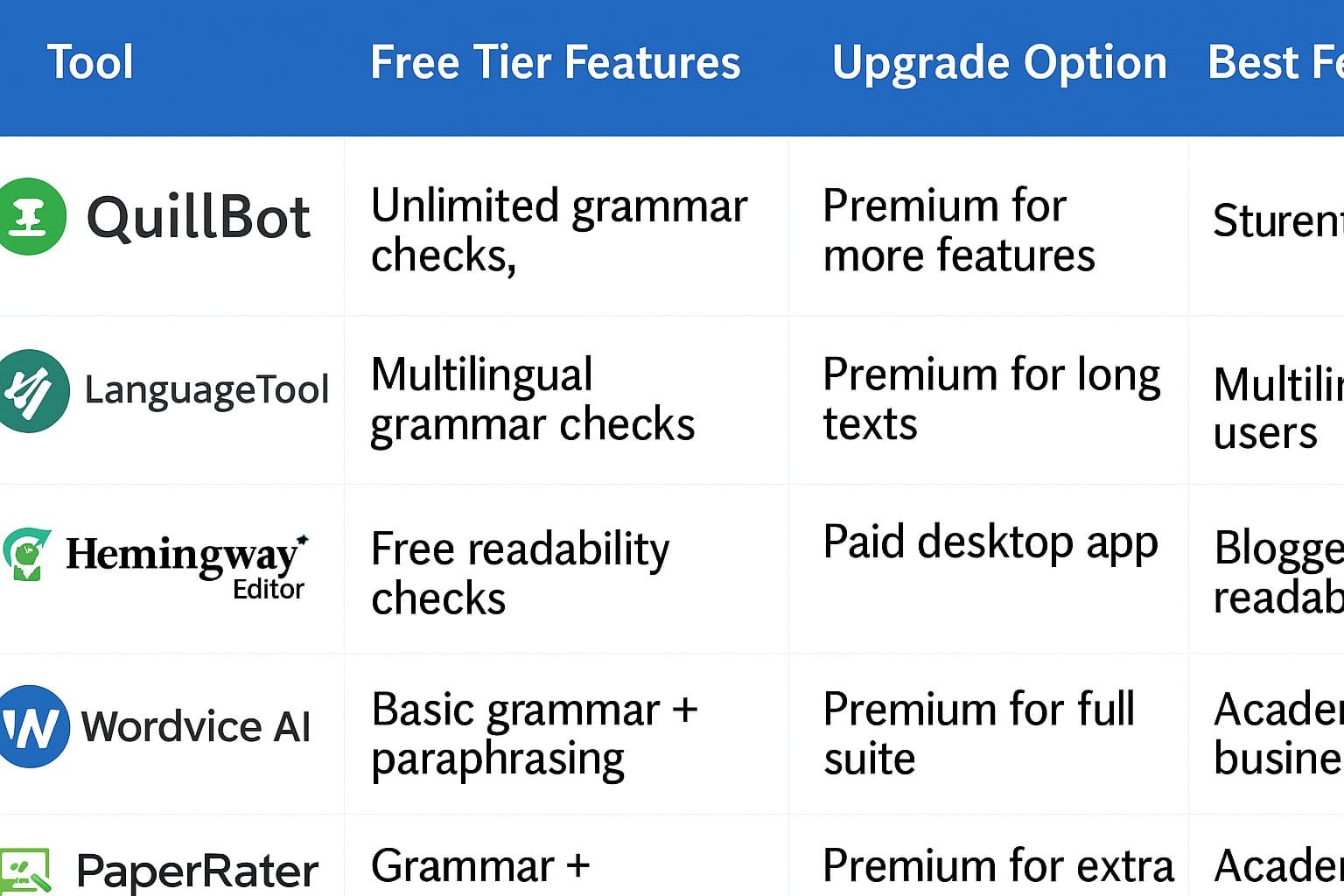
These free options make it easy to test before committing to a subscription.
7. Best AI Tools by Use Case
-
Daily writing & emails: Grammarly, Ginger
-
Creative & long-form writing: ProWritingAid, Wordtune
-
Multilingual writing: LanguageTool
-
Academic & research writing: PaperRater, Wordvice AI
-
Readability & simple style: Hemingway Editor
Each tool excels in its own niche — from AI-driven tone refinement to in-depth structural feedback.
If you want to explore more automation support tools, you can see the list of AI automation tools.
8. FAQs
Q1. What is the best AI grammar checker overall?
For most users, Grammarly remains the best all-rounder. However, if you work in multiple languages, LanguageTool offers more versatility.
Q2. Are free grammar checkers worth using?
Yes. Tools like QuillBot and Hemingway offer solid free tiers that outperform basic spellcheckers.
Q3. Can AI grammar checkers detect tone and style?
Absolutely — platforms like Wordtune and ProWritingAid specialize in tone and clarity adjustments.
Q4. Which tool supports non-English languages best?
LanguageTool currently leads in multilingual AI grammar correction.
Q5. Should I rely entirely on AI grammar checkers?
They’re excellent aids but not perfect — human editing still adds nuance and creativity that AI can’t fully replace.
Discover our FastBots.ai tool page
9. Conclusion
Writing with confidence starts by using the best AI grammar checker tools available. Whether you’re sending emails, writing blog posts, or editing research papers, these tools help you write smarter and faster.
At Toolactive, Jason Miller and our review team personally tested and reviewed each platform for performance, accuracy, and real-world usability. Explore the comparisons above, try a free version, and discover which tool best fits your workflow.
Ready to level up your writing? Visit https://toolactive.com/ to explore more verified AI writing, editing, and productivity tools — your trusted directory for smarter, faster writing.




.jpg)