
.jpg)
1. Introduction
In 2025, successful traders rely on technology to make faster, smarter, and more data-driven decisions. From AI-powered analytics platforms to automated trading assistants, the right trading software can mean the difference between average performance and consistent profit.
At Toolactive, we test and review the best AI, finance, and automation tools to help professionals choose smarter.
In this guide, Jason Miller, a fintech and marketing tech expert with over 12 years of experience, reviews and ranks the 10 best trading tools software tested for accuracy, performance, and usability.
This guide will help you:
-
Understand what makes a trading tool efficient
-
Compare the best trading software for your goals
-
Discover free and freemium tools to start using today
-
Find the right AI trading solutions for your strategy
Before going deeper into the next section, you can refer to ai tools for productivity to support your work.
2. What Are Trading Tools Software?
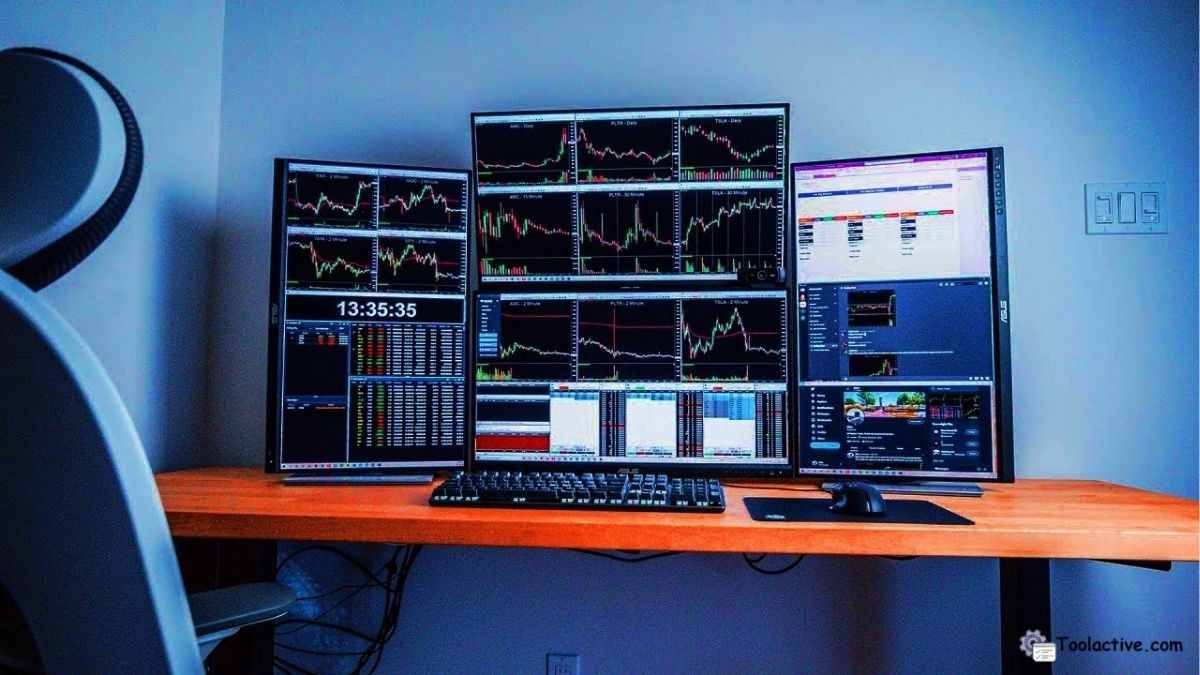
Trading tools software helps investors and traders analyze data, automate strategies, and manage portfolios efficiently. These platforms combine advanced analytics, AI automation, and real-time market intelligence to support both beginners and professionals.
The main categories include:
-
Charting & Technical Analysis tools for spotting patterns
-
AI & Automation Systems for executing trades automatically
-
Portfolio Management & Risk Tools for performance tracking
-
Real-time Market Data & News Feeds for fast decision-making
Modern trading software now integrates machine learning and predictive analytics to forecast trends, improve accuracy, and optimize entry and exit points — turning complex trading data into actionable insights.
3. Top 10 Best Trading Tools Software (2025 Overview)
4. Detailed Reviews (Tested & Reviewed by Toolactive)
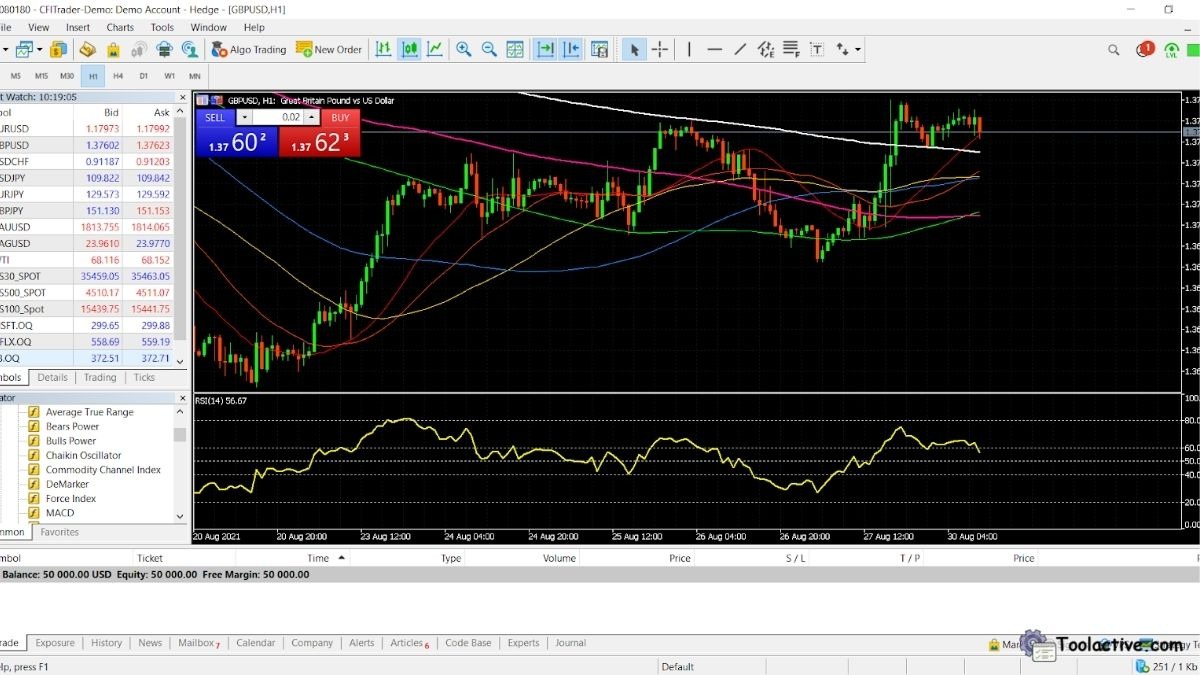
4.1 MetaTrader 5
Best For: Multi-asset traders using automation
Pros: Powerful technical analysis, supports Expert Advisors (EAs), wide broker compatibility.
Cons: Steeper learning curve for beginners.
How to Use: Download the platform, connect a broker, and activate your EA scripts or indicators.
Why We Recommend: MetaTrader 5 remains an all-time favorite for algorithmic and forex traders seeking control and flexibility.
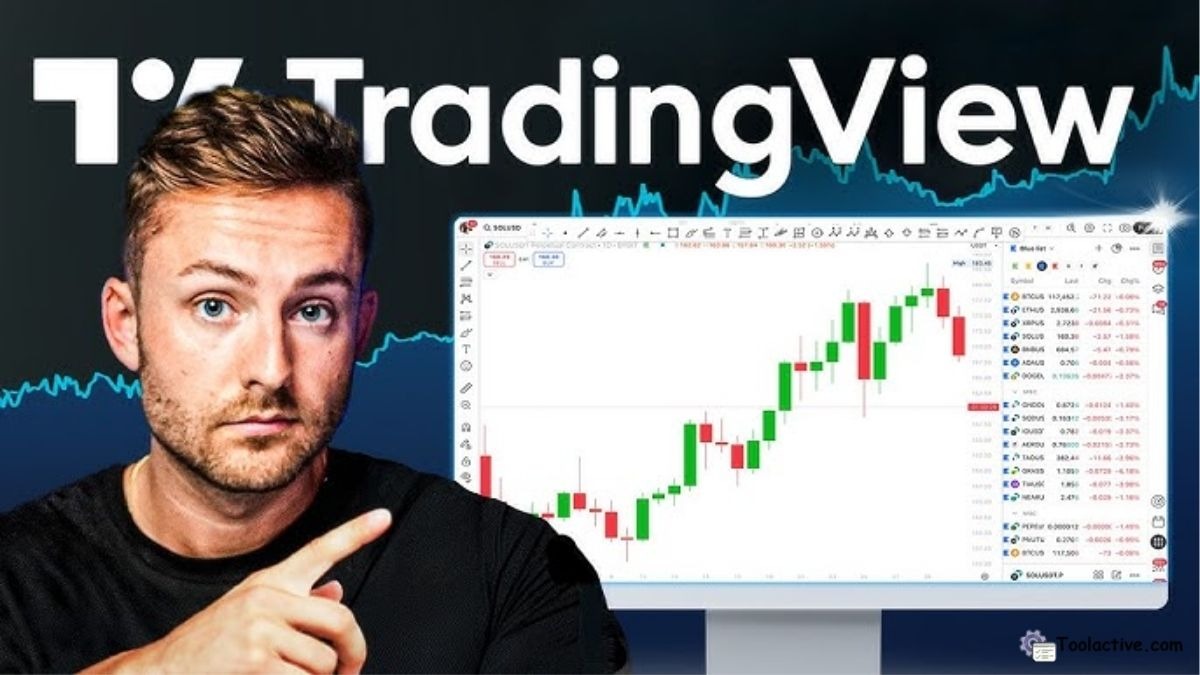
4.2 TradingView
Best For: Charting, community insights, and idea sharing.
Pros: Clean charts, real-time alerts, large trader community.
Cons: Limited advanced tools in free version.
How to Use: Create a free account, set up custom watchlists, and follow top-performing traders.
Why We Recommend: Its social trading layer makes technical analysis more collaborative and accessible.
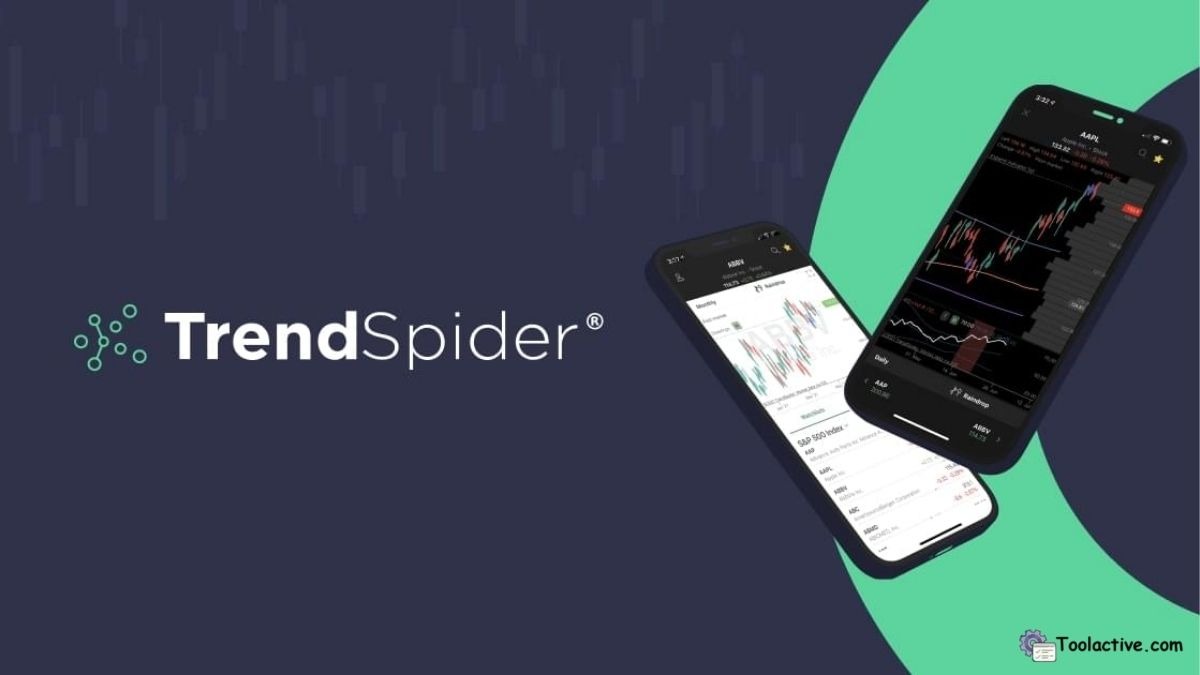
4.3 TrendSpider
Best For: Automated technical analysis and AI backtesting.
Pros: Saves hours of manual charting, smart trendline detection, and dynamic price alerts.
Cons: Paid-only platform with a complex interface for casual users.
How to Use: Import tickers, set strategy parameters, and use the AI “Raindrop” chart for real-time updates.
Why We Recommend: Its automation engine helps traders identify precise entry and exit points faster than manual analysis.
4.4 eToro
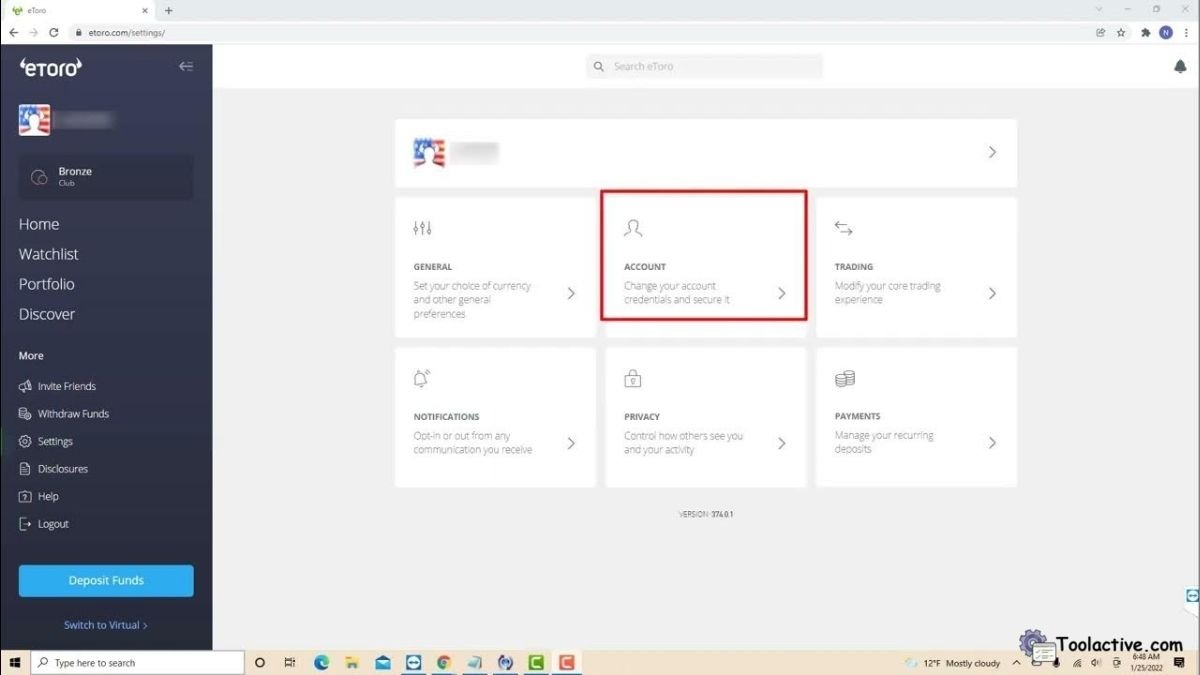
Best For: Social copy trading and community-based investing.
Pros: Beginner-friendly, transparent portfolios, and real-time copying of successful traders.
Cons: Limited customization for experienced algo traders.
How to Use: Sign up, explore top investors, and start copying their trades automatically.
Why We Recommend: Ideal for beginners who prefer learning by observing pros in real market conditions.
4.5 TradeStation
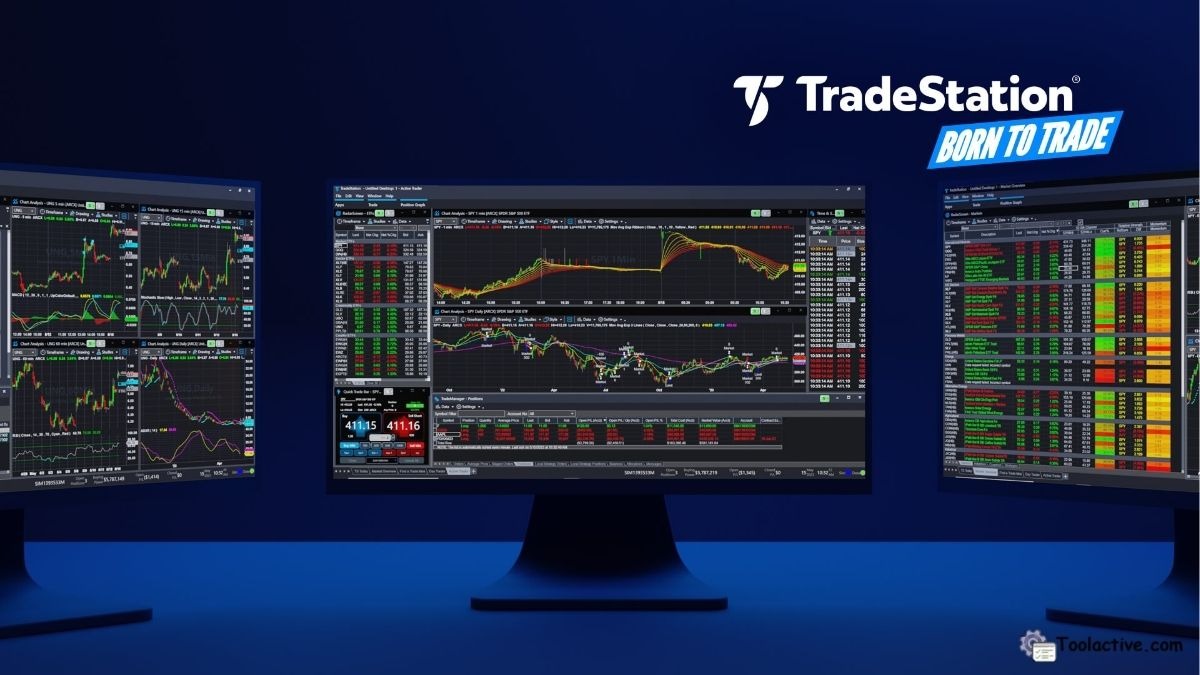
Best For: Active and professional traders.
Pros: Fast execution, powerful analytics, API support for custom automation.
Cons: Higher pricing plans and complexity.
How to Use: Set up a brokerage account, use built-in EasyLanguage scripts for automation.
Why We Recommend: A powerhouse for professionals who demand precision, control, and integration flexibility.
4.6 Thinkorswim (TD Ameritrade)
Best For: U.S. stock and options traders.
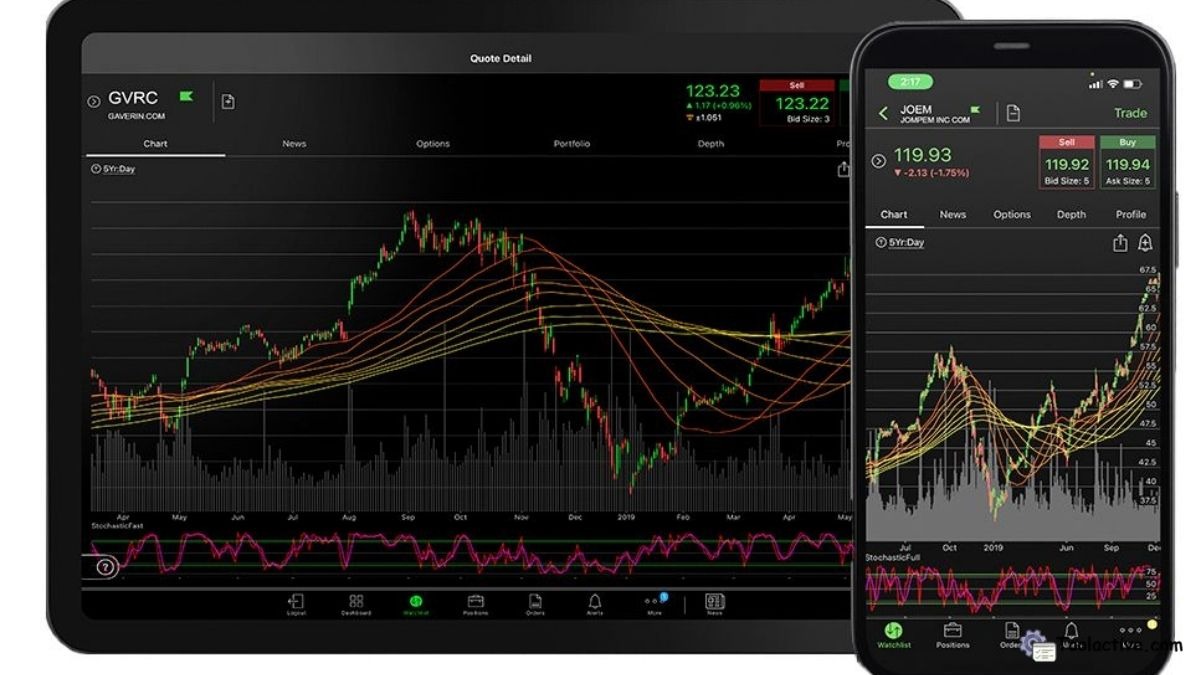
Pros: Real-time market data, paper trading mode, deep analytical tools.
Cons: Limited to TD Ameritrade users.
How to Use: Open a TD account, access Thinkorswim via desktop or mobile, and explore its powerful analysis suite.
Why We Recommend: Its data depth and educational resources make it one of the best free tools for U.S. traders.
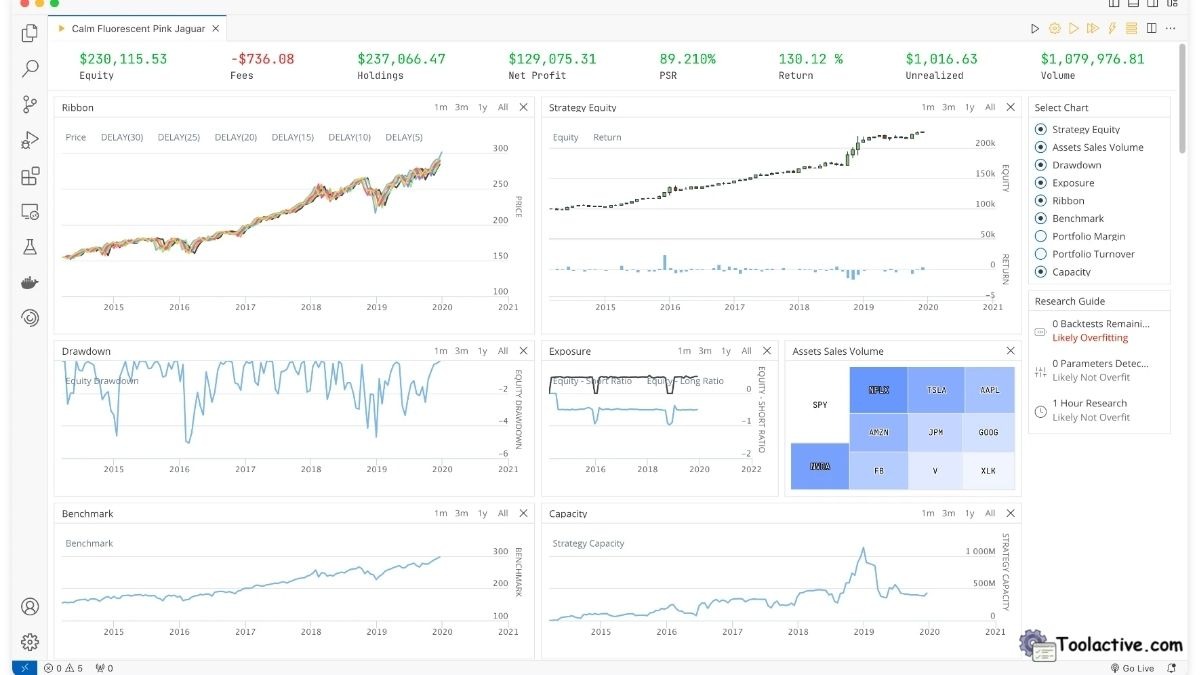
4.7 QuantConnect
Best For: Algorithmic and quantitative traders.
Pros: Free research environment, Python-based, supports global markets.
Cons: Requires coding knowledge.
How to Use: Use cloud IDE to build algorithms and backtest with historical data.
Why We Recommend: The go-to platform for quants and developers looking to build AI trading models.
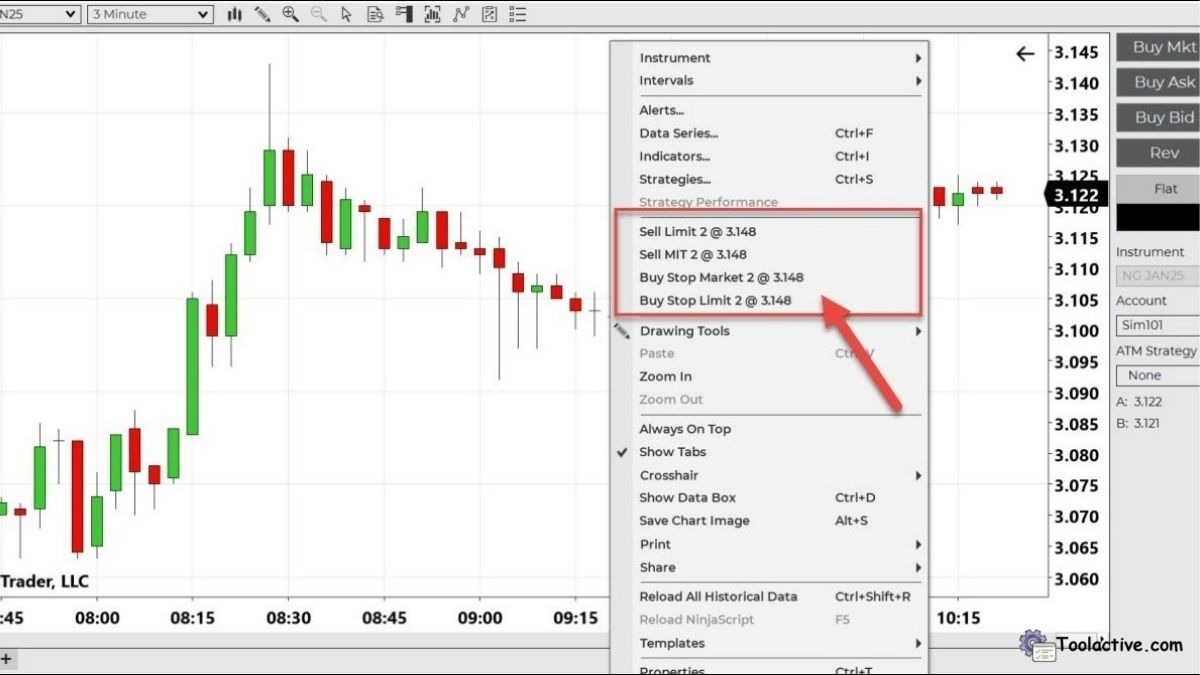
4.8 NinjaTrader
Best For: Futures and forex traders seeking simulation tools.
Pros: Free for charting and testing, advanced backtesting, strong community.
Cons: Paid brokerage for live trades.
How to Use: Download software, create simulated accounts, and test strategies before going live.
Why We Recommend: Excellent for learning and perfecting strategies without financial risk.
4.9 Tastytrade
Best For: Options and futures traders using AI analytics.
Pros: Interactive interface, AI-backed recommendations, low-cost structure.
Cons: U.S.-centric and complex for beginners.
How to Use: Open an account, use the AI dashboard to track implied volatility and probability metrics.
Why We Recommend: Great for traders wanting to dive deep into options data and risk metrics.

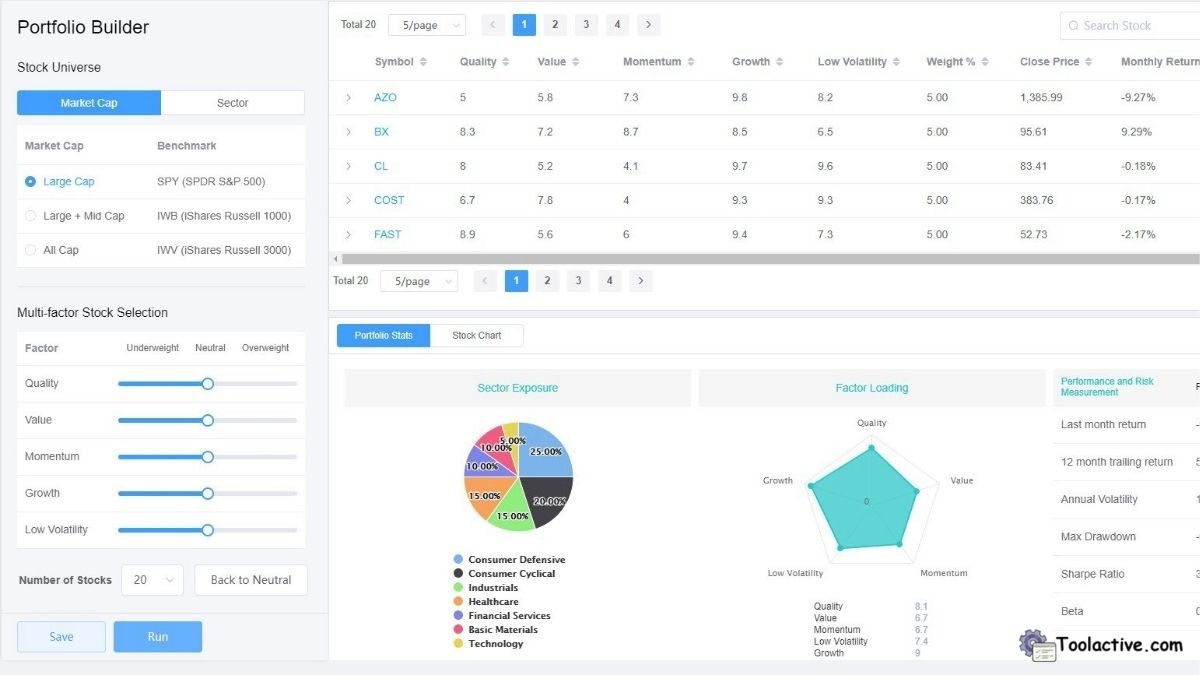
4.10 Kavout
Best For: AI-driven predictive analytics and stock ranking.
Pros: Machine learning models, clear “K Score” ranking system, customizable portfolios.
Cons: No free version and limited integration with brokers.
How to Use: Upload portfolio data or explore stock rankings directly via the dashboard.
Why We Recommend: Kavout’s AI insights can complement any trading style with predictive scoring.
5. Free & Freemium Trading Tools
These tools are ideal for traders testing strategies or learning before committing capital.
6. Best AI Tools by Use Case
a. Best for Predictive Analytics: Kavout, TrendSpider
b. Best for Algorithmic Execution: MetaTrader 5, QuantConnect
c. Best for Social Copy Trading: eToro, TradingView
d. Best for Market Visualization: Thinkorswim, TradingView
e. Best for Options Analysis: Tastytrade, TradeStation
Each tool enhances specific trading goals — whether you want data-driven insights, automation, or social signals.
If you want to explore more automation support tools, you can see the list of AI automation tools.
7. FAQ
Q1. What is trading software used for?
Trading software helps traders analyze markets, execute trades automatically, and manage portfolios efficiently.
Q2. What are the best trading tools for beginners?
TradingView, eToro, and Thinkorswim are best for beginners because they’re free and easy to use.
Q3. Which AI trading tools are the most accurate?
Kavout and TrendSpider use predictive models to identify high-probability trading opportunities.
Q4. Are there free trading tools?
Yes, MetaTrader 5 and NinjaTrader offer robust free plans suitable for practice and live analysis.
Explore our ProfitProtectorpro store
8. Conclusion
Choosing the best trading tools software in 2025 depends on your trading style and goals. Whether you focus on technical analysis, algorithmic trading, or social investing, these tested platforms combine AI intelligence, automation, and real-time data to enhance your performance.
At Toolactive, Jason Miller and our fintech review team continuously test and verify the world’s best AI and trading solutions — helping traders make smarter, data-backed decisions.
👉 Explore more verified fintech and AI software reviews at https://toolactive.com— your trusted directory for smarter trading and automation.




.jpg)